8. Individualized Setting
Click the desktop setting icon of shortcut menu to conduct individualized
setting.
8.1 Wireless and Network
Connection for wireless internet access.
To set and manage wireless connection point, please enter [Menu > System
Setting > Wireless and Network > Wi-Fi Settings].
Please refer to chapter 2.4 for connection to wireless internet access in
shortcut setting.
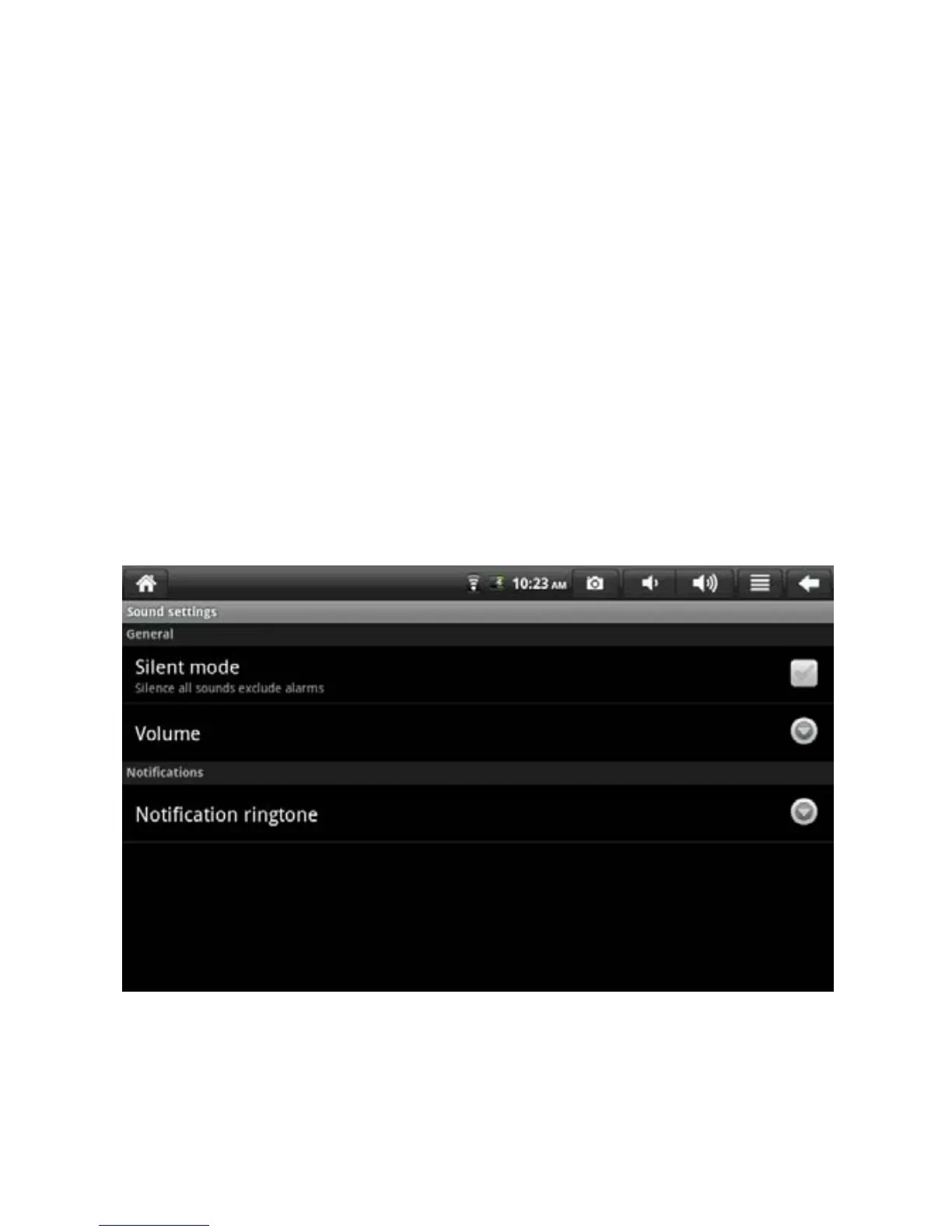
8.2 Sound and Display
Set the audio, notification and screen brightness.
20


 To Next Page