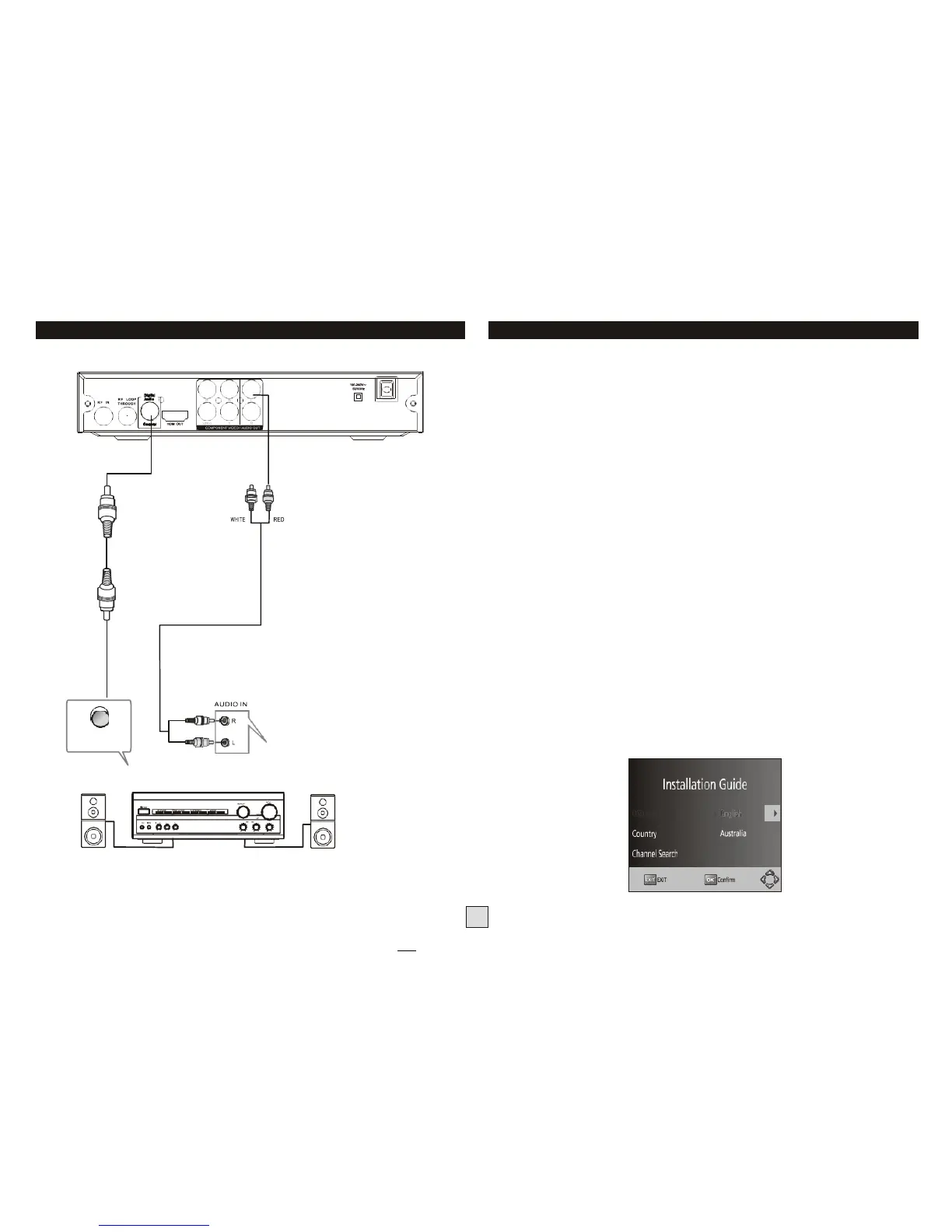
Connecting to an Audio System
First Time Installation
Getting Started:
Once you have connected this Set Top Box (STB) to the appropriate video and
audio input sockets on your TV, and have selected the matching inputs on the TV to
receive these signals, you will need to be comfortable with selecting several basic
operations before setting up your Set Top Box for the first time.
Firstly, the STB has two power modes: Standby and On. In Standby mode, the STB is
powered up, but awaits a "Power On" command from either the Remote Control or
from the Standby push-button located on the front of the STB. In this mode, the front
panel LED indicator glows red.
When the STB is switched from Standby to the On mode, the power LED indicator
on the front panel will change from Red to Green to indicate that the unit is fully
powered up.
As most receiver operations are accessed using the supplied Remote Control, please
take the time to review the button designations on page 2 of this manual. Especially
take note of the most commonly used buttons; the cursor arrow buttons (LEFT,
RIGHT, UP, DOWN) surrounding the OK button in the middle section of the remote
control, as well as the MENU button at the top-left of the cursor keys, and the EXIT
button at the top-right of the cursor keys. (If you get stuck, pressing “exit” several
times should always get you back to the main screen).
First Powering on the STB:
When you first power up your STB, (or you reset the STB to its factory settings), it will
automatically display the Installation Guide menu. This is where the Set Top Box
searches for available TV stations and stores the station details it finds. Make sure a
suitable TV antenna is connected before proceeding with this operation.
Amplifier
Alternatively, at any time you can select the Channel Search menu and use the "Auto
Search" option" to force the receiver to locate all the available TV stations.



 To Next Page