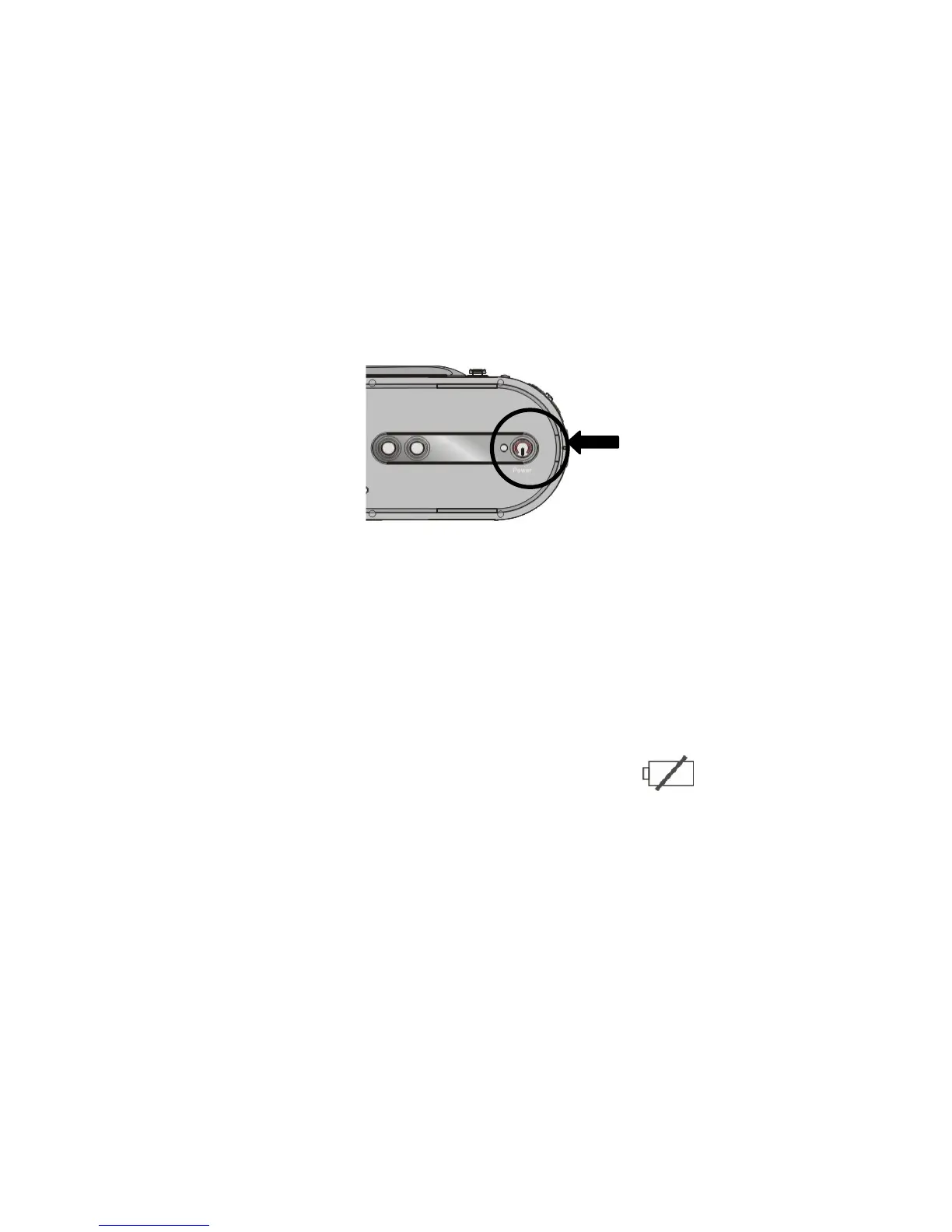
Camcorder becomes active and the LCD will display the scene.
3. Press the Power button again (when camcorder is active) to turn the power OFF.
Auto Power OFF: Your camcorder has the Auto Power OFF feature.
If camcorder is unused for 1 minute, the power will turn OFF automatically to save
batteries.
The Auto Power OFF time may be set to 1, 3 or 5 minutes (review Setup Menu mode
for details).
3. Low Power / Battery level indicator: The low power icon will appear on the
LCD Screen when the batteries are exhausted and camcorder will be automatically
turned OFF.
4. Replace exhausted batteries.



 To Next Page