11 Playback MODE
Power the camera ON and slide the MODE selector all way down to enter the
Playback mode.
Use Right / Left buttons to review / select stored records; Video, Still Pictures or
recorded Voice. Press OK button to play selected video, pictures or recorded voice
file.
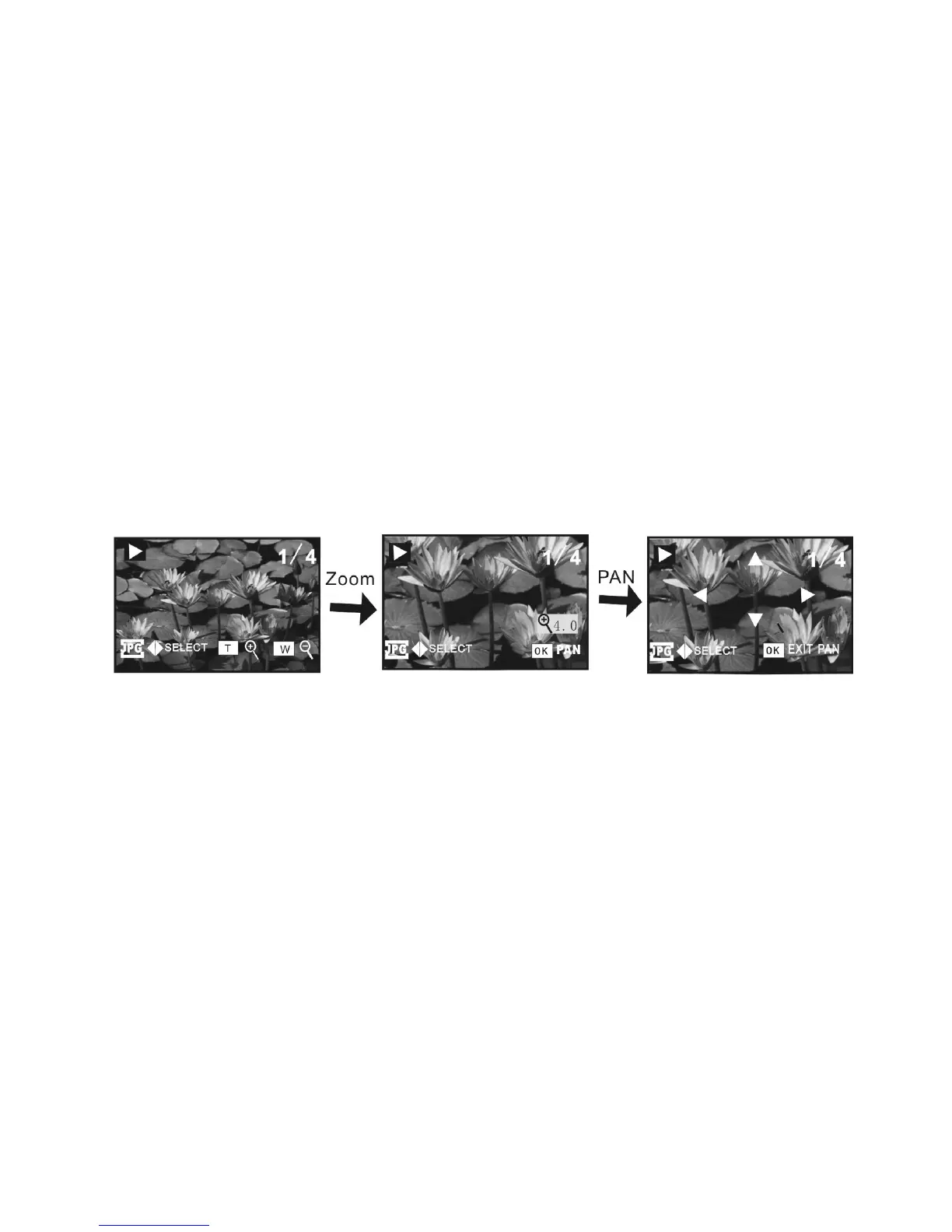
You can “zoom” the displayed photo images by pressing the zoom IN / OUT buttons
or sliding Zoom IN / OUT selector.
When the image is zoomed IN, press OK button and you can “pan” the displayed
image by pressing directional buttons. To exit from Pan and Zoom status, press OK
button again.
You can view other photos, AVI or WAV files by pressing Left/ Right keys



 To Next Page