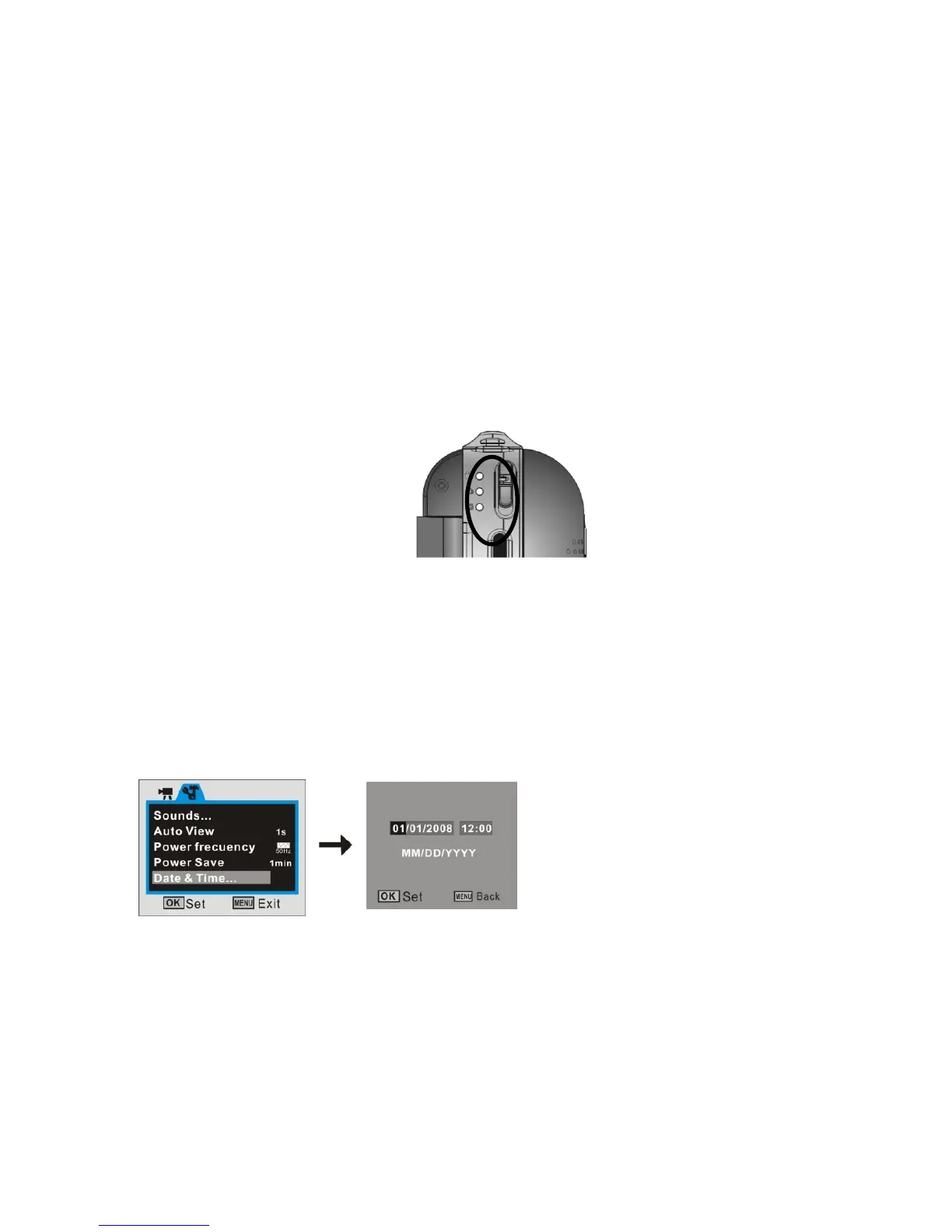
5. Select the MODE
Slide the Mode Selector up or down to select desired MODE
Video Mode: select this mode to record Video clips
Camera Mode: select this mode to take Still Pictures
Playback Mode: select this mode to playback recorded video clips or voice or review still
pictures.
6. Setting Date / Time
1. Press MENU button, then select Setup to enter setting date / time adjustment mode



 To Next Page