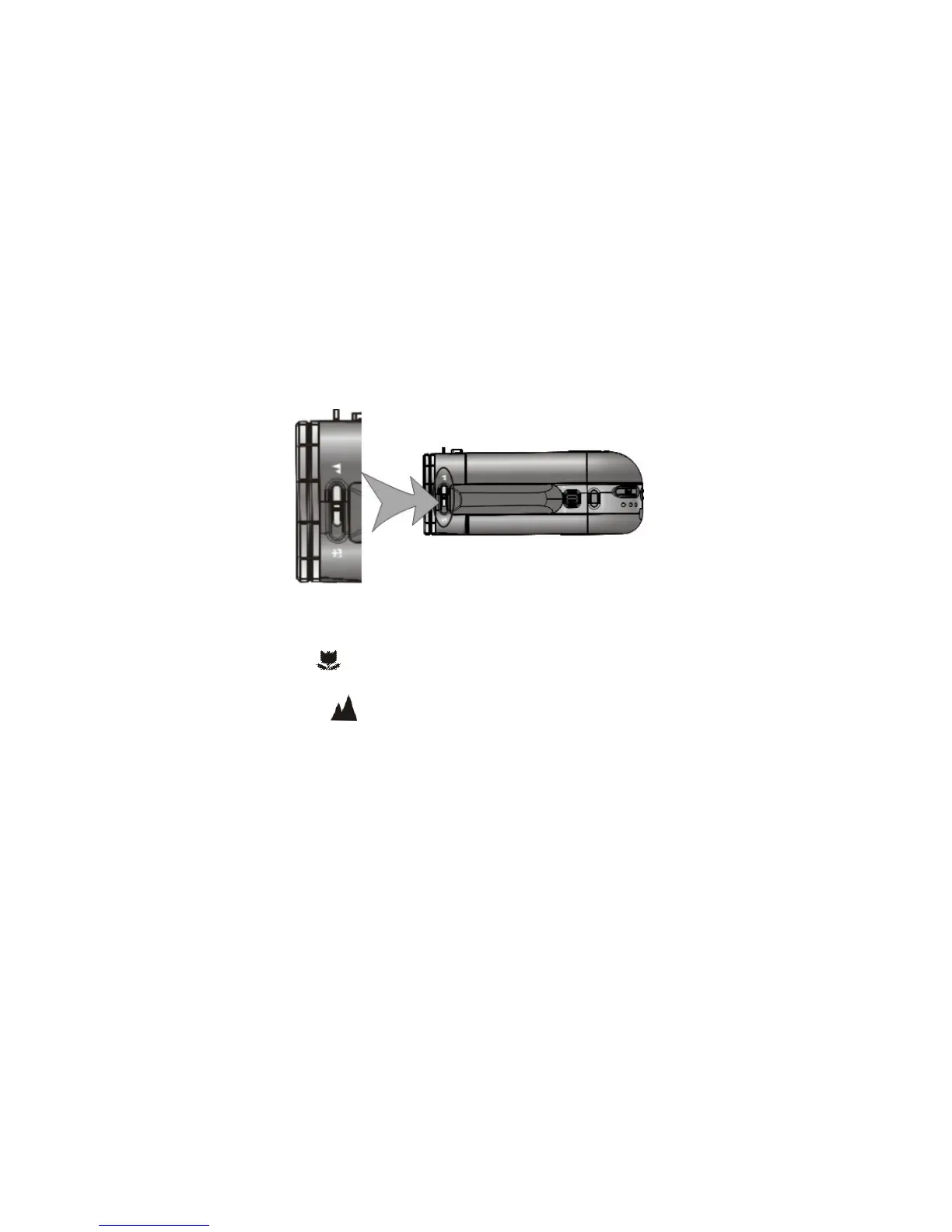
3. Select the Focusing range
Slide the Macro / Normal dial to select required position;
TOP VIEW
1. Macro: Set to Macro only for shooting close-up objects located 6 ~ 10 inches
from camcorder.
2. Normal: Set to Normal for typical records when the subject is located at 5 feet
or more from the camcorder.
4. Power ON and OFF your camera
1. Open the LCD screen
2. Press and then hold the Power button down (for one or two seconds) to turn the
power ON.



 To Next Page