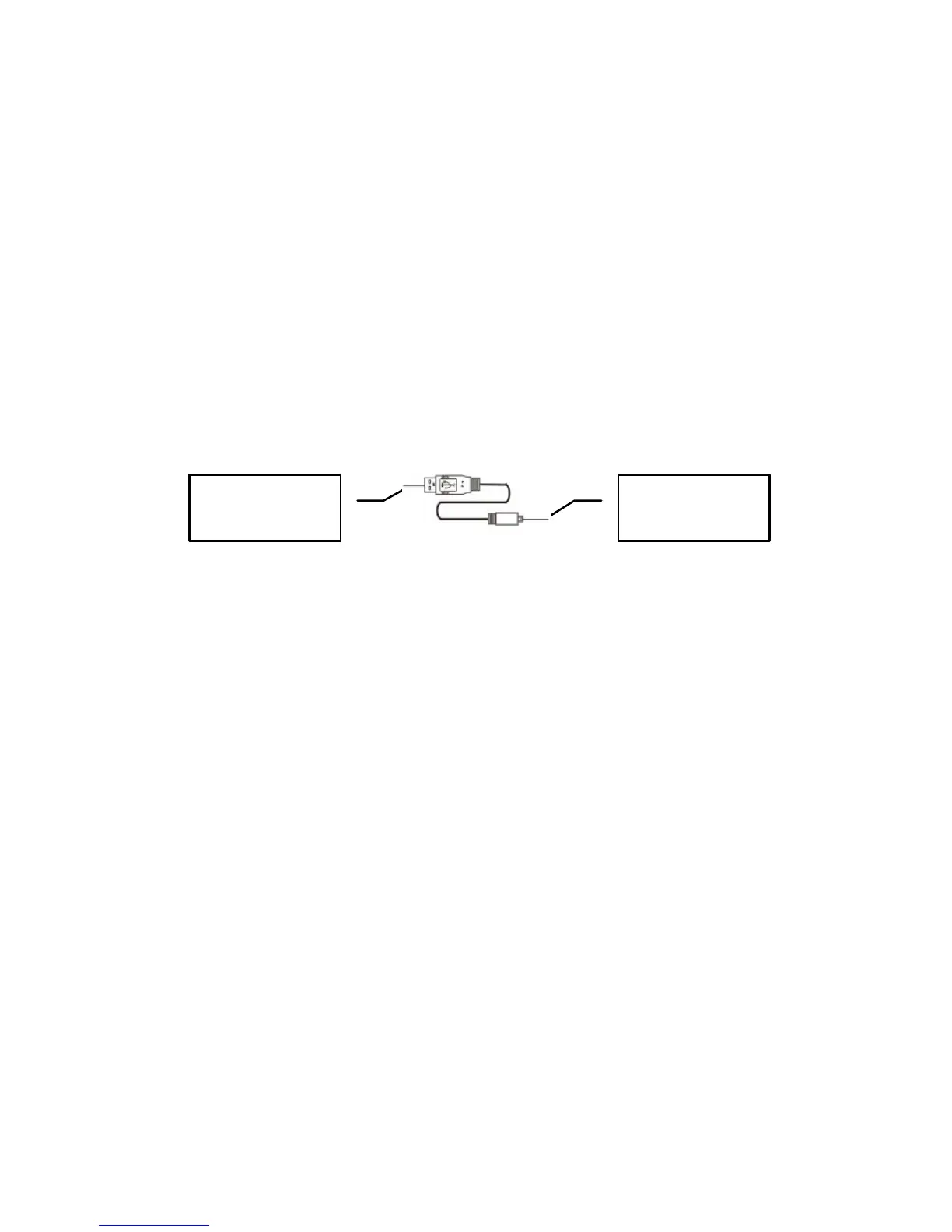
2. Connecting camera to your computer.
Use supplied USB cable to connect camera to your computer.
Connect the “computer end” of the USB cable to computer USB port and connect
the “camera end” to the camera USB socket.
Note: The camera has two USB modes; MSDC (default, when power ON)
and PCCAM (when selected from Internal Setting Menu)
- The default MSDC (Mass Storage / Removable Disc) is used for playback
and downloading video, pictures into the computer.
- The PCCAM (PC camera / webcam) can be used for transferring live
images, scenes into the computer.
Note: - Windows ME, 2000, XP, Vista require installing Driver only if you
intend using camera in PC Cam Mode.
Connecting the camera as MSDC (default) does not require installing the
Driver.
Camera Computer



 To Next Page