Note: If your computer did not start CD Installer as Auto run, please open My
Computer, go to CD ROM, and select “autorun.exe” program located in the CD
root directory.
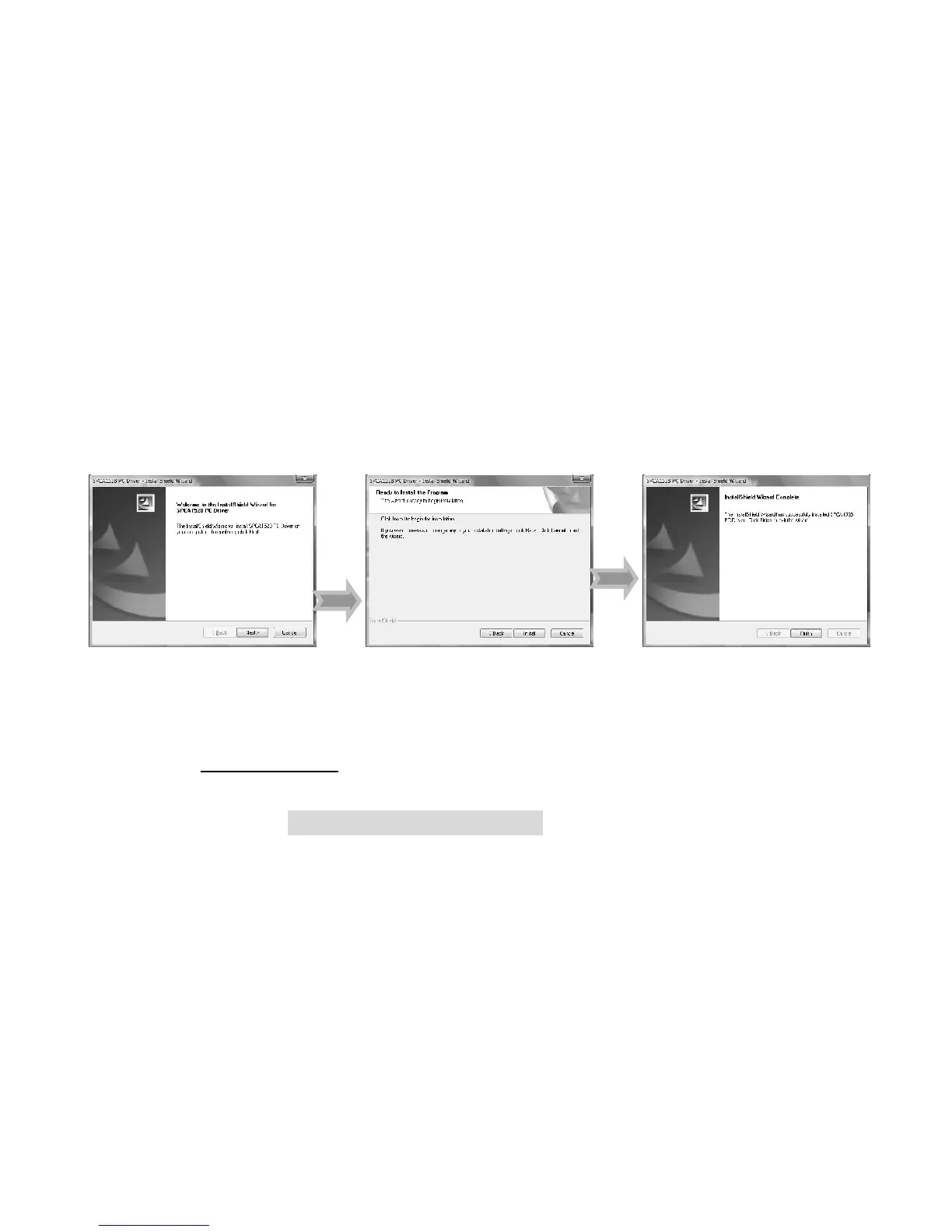
• Driver installation
Click “Install Driver” button, follow provided steps and complete installation.
• Restart computer when installation completed.
For Windows Vista, the following window will pop up when the system
automatically executes Installer from inserted CD.
Select / click Run SoftwareInstaller.exe to start installing.



 To Next Page