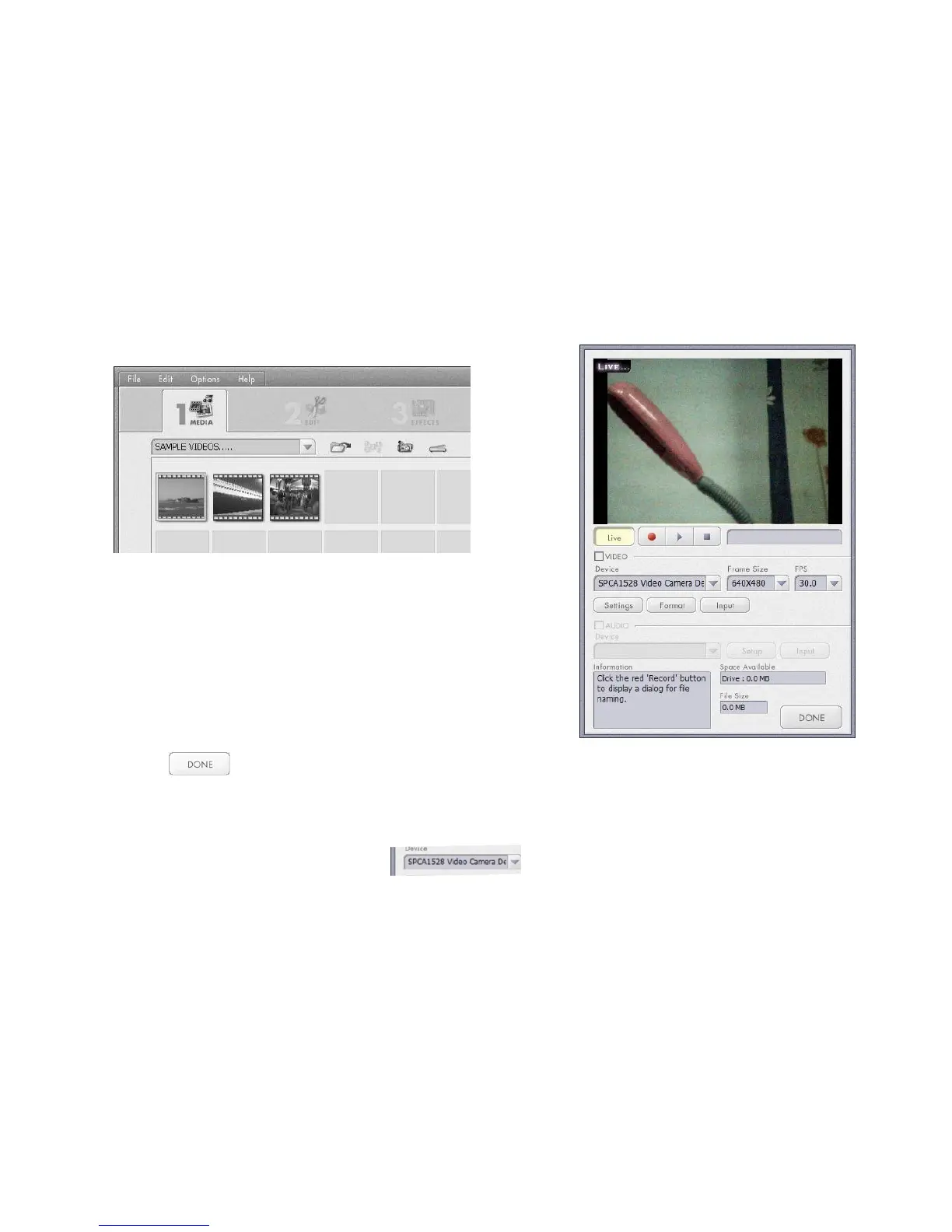
Live images, scene will appear, see window (Fig IV)
- Click button to exit or close the PC Cam if session completed.
Note: If no images, scene visible; please check whether the Driver for the camera is installed properly and
check whether the selected Video Camera is indicated.
Refer to “VideoImpression 2 “Help” if further information required.



 To Next Page