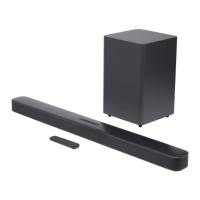
The 1500 Array includes
a line output. This output
allows you to “daisy chain”
one 1500 Array to multiple
1500 Array subwoofers.
Simply connect the first
subwoofer as described
above and then run a
subwoofer cable from the
line output(s) to the line
input on the next sub.
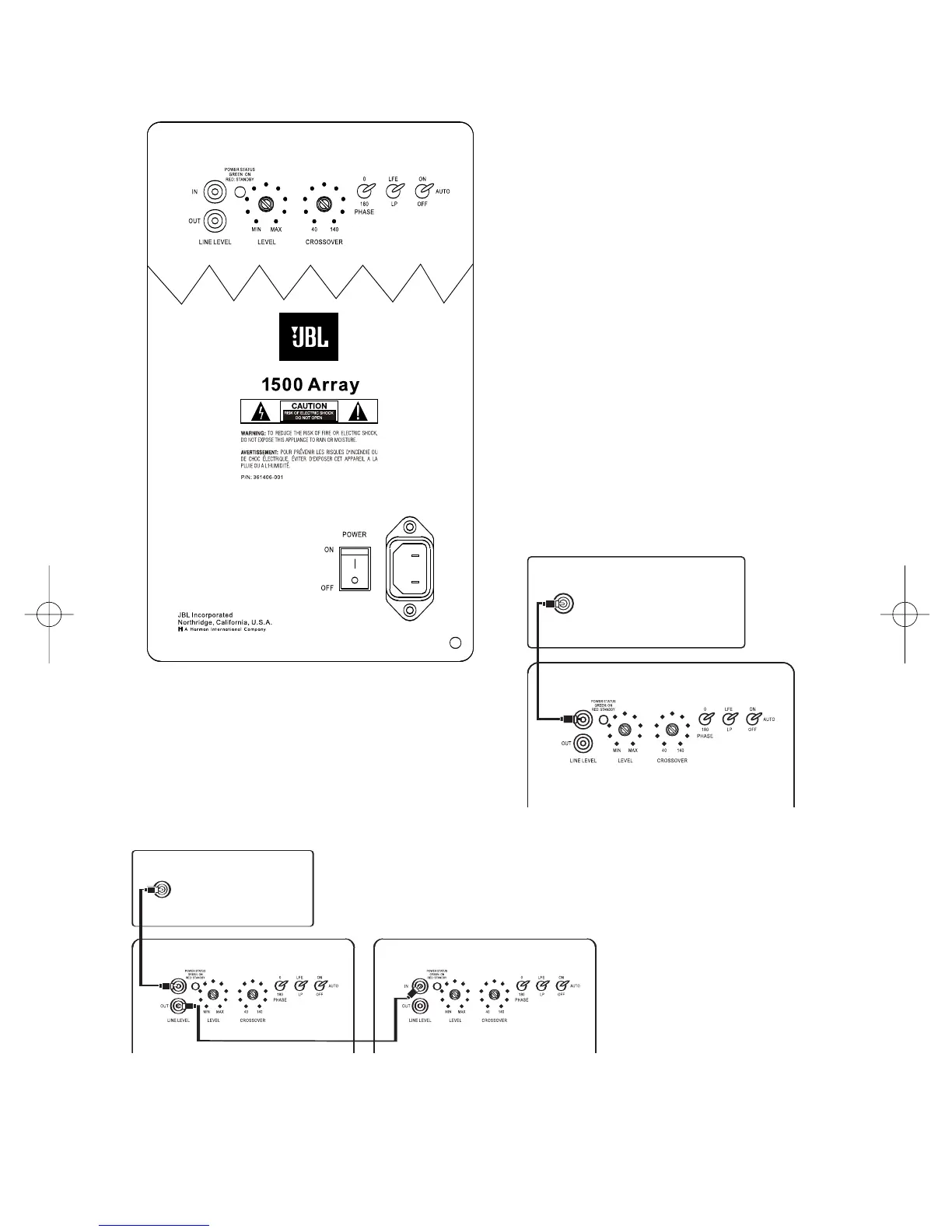
¡ Line-Level Input
™ Line-Level Output
£ Power Indicator
¢ Subwoofer Level (Volume) Control
∞ Crossover Adjustment
§ Phase Switch
¶ LP/LFE Selector
• On/Off Auto Switch
ª Power Switch
Connection:
If you have a Dolby
®
Digital or DTS
®
receiver/processor with a low-frequency-
effects (LFE) output, set LFE/LP switch to
LFE. If you prefer to use the crossover
built into the 1500 Array, set the LFE/LP
Switch
¶ to LP.


 To Next Page