III) Replace DVD600 Laser Pick-up Ass’y (TVK15-1AA/502T) with h/k part# 10733290RETRO.
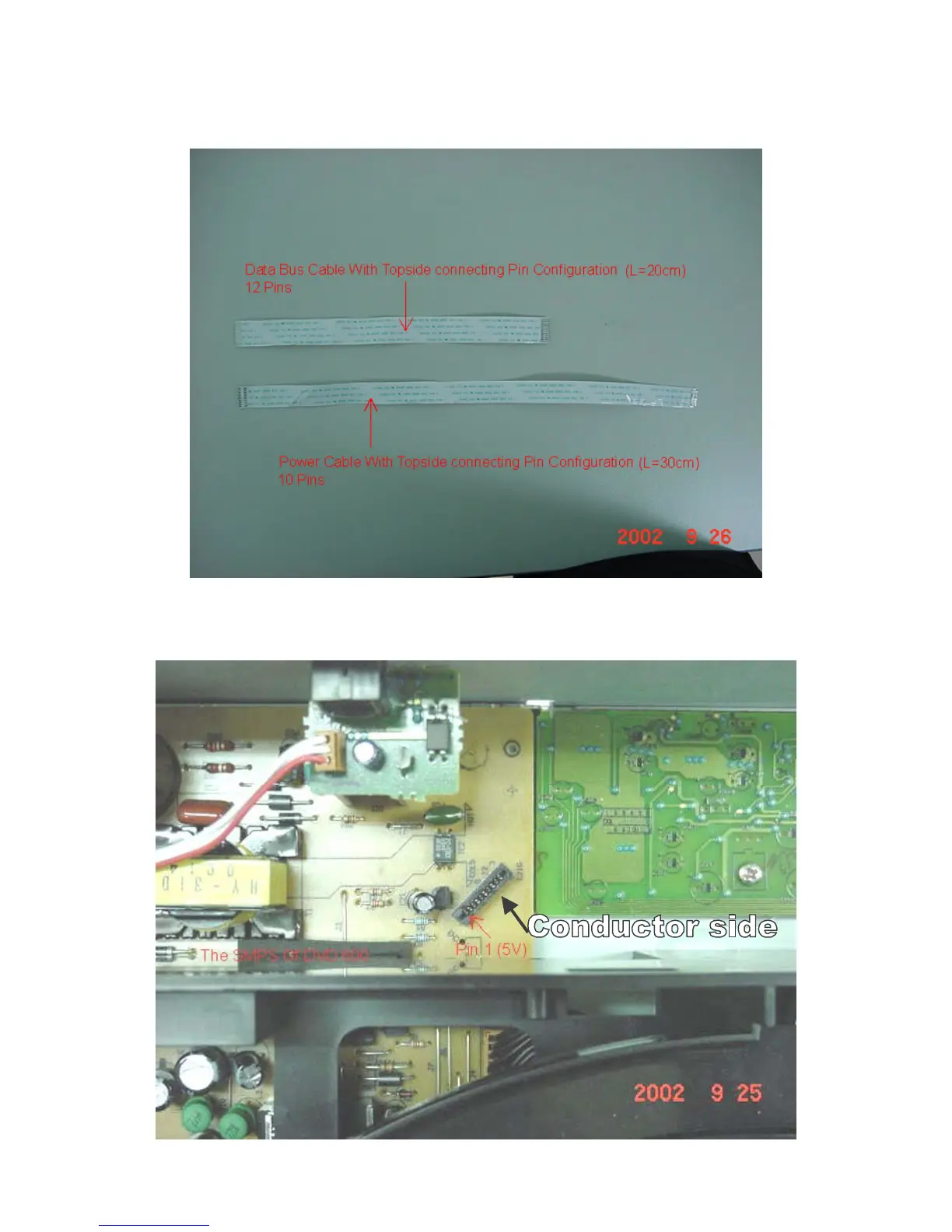
1) Replace both cables; be sure to attach the black grounding screw. Replace the entire 5 disc CD
mechanism back into the unit and fasten with the 4 plated Phillips screws. Assure no cables are binding or
“pinched”.
Figure 2. Flex Cables Required for Replacing New DVD600 Loader
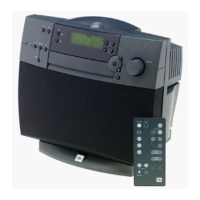
2) Connect mechanism to power supply with 10 wire - FCC CABLE, part# 55174870.
Figure 5
.



 To Next Page