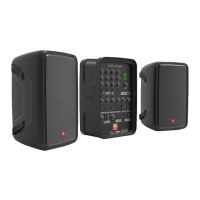
Please visit http://www.jblpro.com/Microsite-EONONE-pro for complete documentation.
JBL Professional 8500 Balboa Blvd. Northridge, CA 91329 USA © 2017 Harman International Industries, Incorporated
6. SET OUTPUT LEVEL
1. Set the Channel Volume Controls (F)
to12 o’clock.
2. Slowly turn the Master Volume Control
(N) to the right until the desired volume is
reached.
3. Fine tune the Channel Volume Controls
(F) for the desired mix balance.
4. Enjoy your audio!
This device supports Bluetooth audio
streaming.
To connect your device:
1. Turn on Bluetooth on your source device.
2. Press the Bluetooth Pair Button (O).
3. Find JBL EON ONE PRO on your device
and select.
5. BLUETOOTH AUDIO
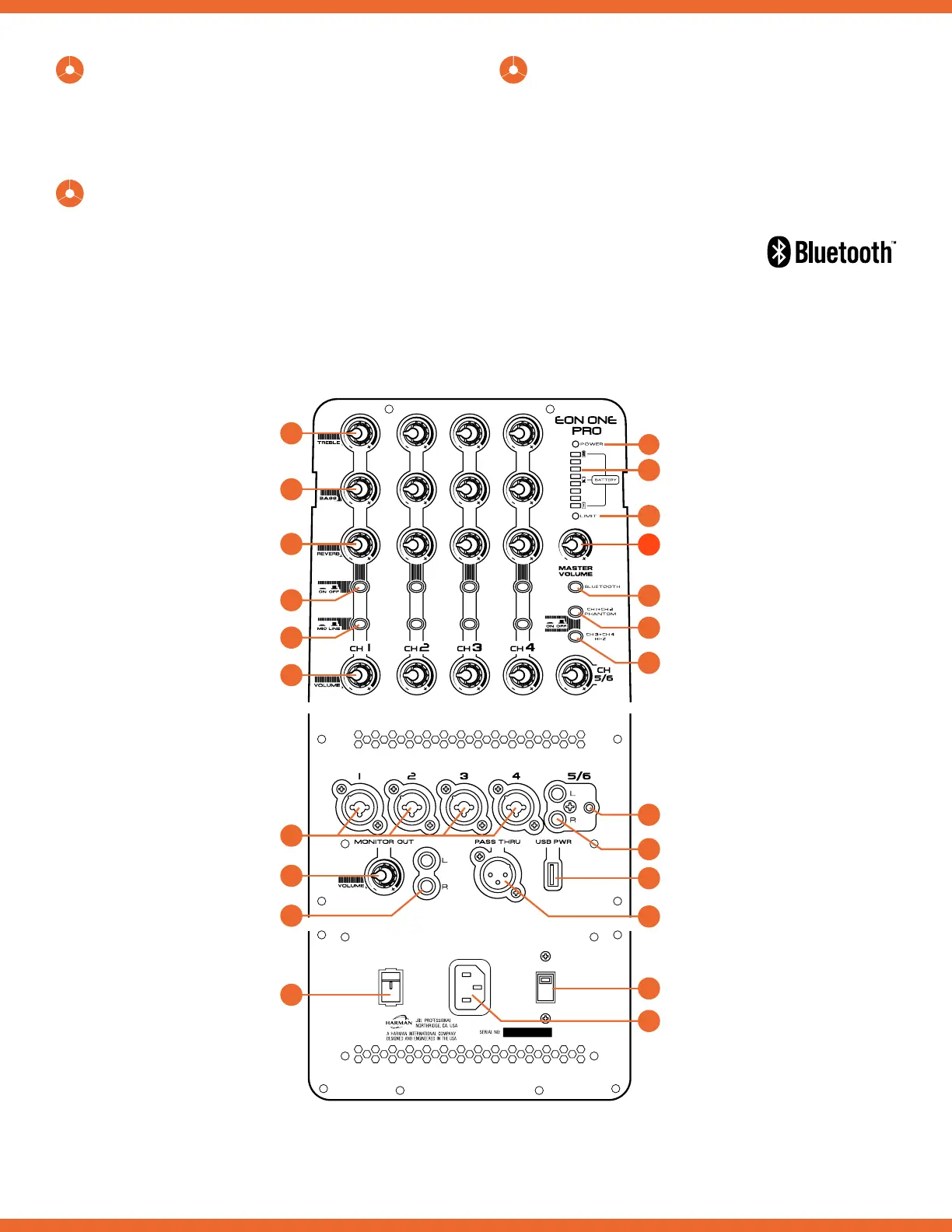
K
M
L
R
B
A
C
F
H
J
G
D
E
I
O
P
Q
S
U
W
T
V
N
Power LED
Limit LED
Battery Level Meter
Stereo 1/8” Line Input
Master Volume
Bluetooth Pair Button
Ch. 1/2 Phantom
Power On/Off
Ch. 3/4 HI-Z
On/Off
Stereo RCA Input
Pass Thru Output
Power Receptacle
USB Power
Voltage Selector
Bass
Treble
Reverb Level
Channel Volume
Monitor Out
Volume
Power Switch
Channel Inputs
Reverb On/Off
Mic/Line
Stereo RCA
Outputs
4. POWER ON THE UNIT
1. Flip on the Power Switch (J); the Power
LED (K) and the Power LED on the front
of the speaker will illuminate.
EON ONE PRO Quickstart Guide Rev A


 To Previous Page