EasyManua.ls Logo

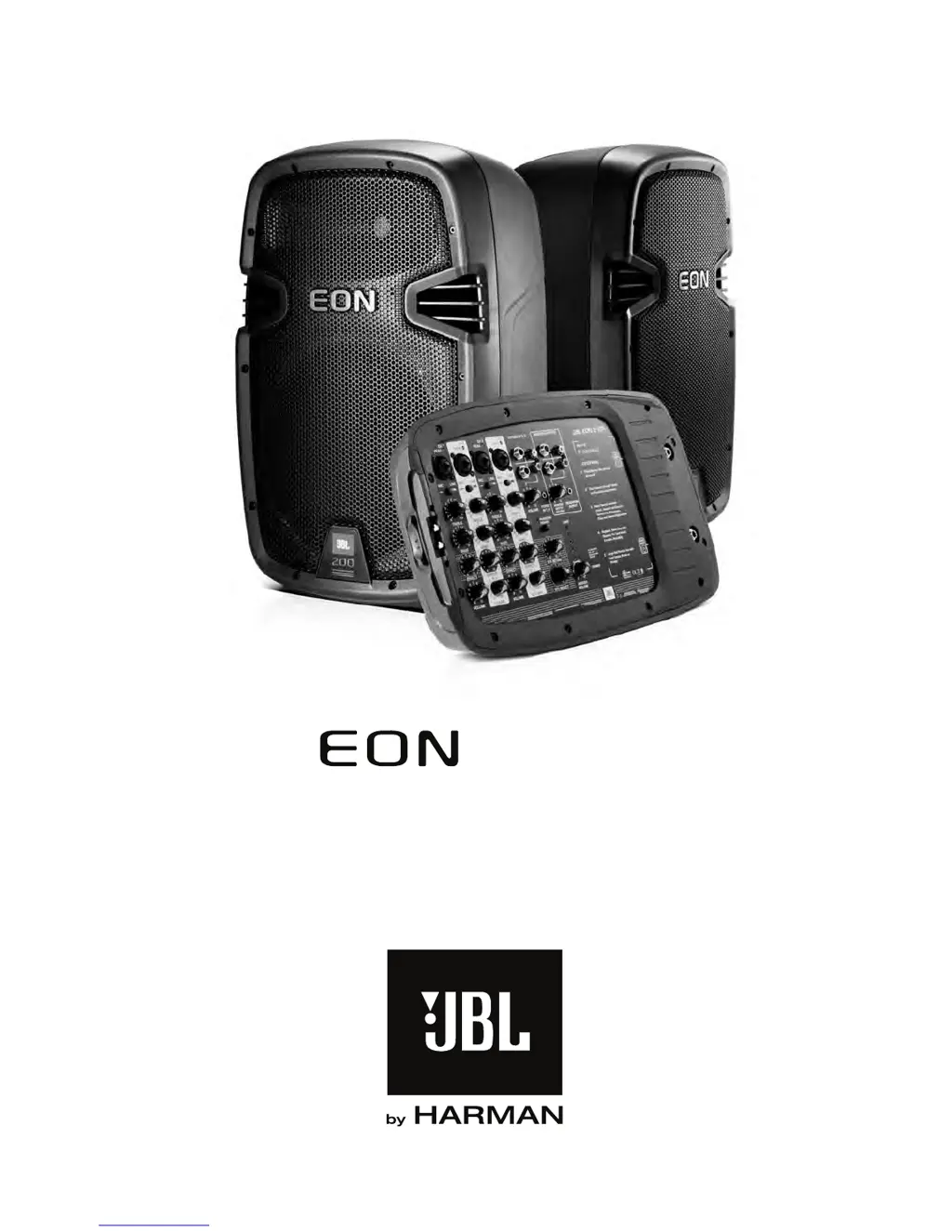
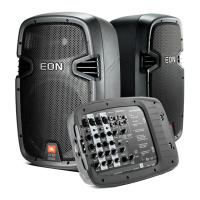
JBL EON 210P - User Manual

JBL EON 210P
24 pages
Print Icon
To Next Page IconTo Next Page
Loading...
PORTABLE PA
For: Français, Deutsch, Español, visit www.jblpro.com
USER’S GUIDE
210P

Questions and Answers

  • C
    Charles AllenAug 1, 2025
    How to fix no sound on JBL EON 210P?
    • H
      Heather DavisAug 1, 2025
      If your JBL Speakers have no sound, first ensure the AC cord is properly connected to both the wall outlet and the mixer, and that the AC switch is turned on. If you're using an AC strip, verify it's working. Also, check that both the mixer's channel and master volumes are turned up, along with the source volume. Make sure the input to the mixer and the speaker connections are properly seated. Inspect speaker cables for damage and replace if necessary. If using a condenser microphone, activate the phantom power switch.
  • T
    Terri WebbAug 8, 2025
    How to eliminate hum or buzz from JBL EON 210P?
    • J
      Jacob HortonAug 8, 2025
      If you are experiencing hum or buzz with your JBL Speakers, it may be due to improper A/C grounding or ground loops. Try using a ground lift adaptor, and connect all power cords to the same power strip. Also, excessively long unbalanced cable runs can cause this issue, so try using a shorter cable or a DI box to convert the unbalanced signal to a balanced signal. Finally, reduce the INPUT level controls and increase the output level of your source devices to correct the improper system gain structure.
  • A
    autumn13Aug 16, 2025
    What to do if JBL Speakers sound is distorted?
    • C
      Christine RogersAug 16, 2025
      If the sound from your JBL Speakers is distorted, it could be due to input overload. Try turning down the channel volume on channels 1-4 and press the MIC/LINE switch, then slowly increase the volume. If distortion persists but volume is low, increase the master volume. If using an external device, lower its volume. Also, check the SYSTEM LEVEL INDICATOR LEDs; if the LIMIT light is constantly on, reduce the MASTER VOLUME.
  • K
    Kelly LeeAug 23, 2025
    What to do if JBL Speakers hum when adjusting mixer levels?
    • T
      Tyler GrahamAug 25, 2025
      If the hum or buzz increases or decreases when the mixer level controls are moved on your JBL Speakers, disconnect or mute channels one at a time to isolate the problem. Substitute a known-good cable for the suspected faulty cable.

Summary

Important Safety Instructions

Precautions

Stand Mounting Safety Precautions

Guidelines for safely mounting speakers on stands or poles to prevent tip-overs.

Hearing Damage and SPL Exposure

Warning about potential hearing damage from prolonged exposure to high sound pressure levels.

Declaration of Conformity

Power Amplifier

AC Power Requirements

Details on AC power needs, grounding, and ensuring a robust supply for optimal performance.

Changing Voltage Settings

Instructions for verifying and selecting the correct voltage setting for your region.

Operating Temperature

Information regarding the system's energy efficiency, thermal protection, and cooling requirements.

Introduction to the EON 210 P PA System

Getting Started

Initial steps for unpacking, detaching modules, and setting up the EON 210P system.

Mixer Overview and Inputs

Explanation of the powered mixer's features, controls, and audio input connections.

Stereo Input Connections

Details on connecting stereo sources like MP3 players, keyboards, and CD players.

Stereo Output Options

Describes connections for speaker, monitor, and headphone outputs.

Master Volume and Peak Level Indicators

Explanation of master volume control and the peak LED ladder for signal monitoring.

Digital Effects and Controls

Guide to using built-in digital multi-effects, including effect types and control settings.

System Specifications

Reference

Balanced vs. Unbalanced Lines

Explains differences between balanced and unbalanced audio signal connections for system interconnections.

Cables and Connectors

Common Cables and Connectors

Details various audio cables and connector types used for connecting microphones, instruments, and speakers.

Trouble Shooting

Troubleshooting Sound Issues

Solutions for common sound problems like no sound, distorted audio, thin or boomy sound, hum, and buzz.

Troubleshooting Noise and Feedback

Solutions for issues such as noise/hiss at outputs, feedback, and weak headphone signals.

Contact Information

Warranty Information

JBL EON 210P Specifications

General IconGeneral
BrandJBL
ModelEON 210P
CategorySpeakers
LanguageEnglish

Related product manuals