Section 5: Introduction To The EON 210P PA System
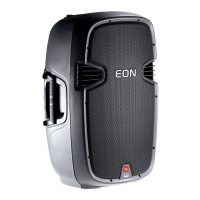
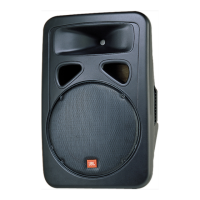
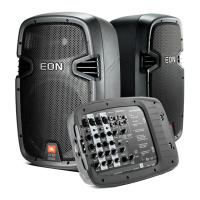
Thank you for choosing the JBL EON 210P PA system. The EON 210P is a self-contained, portable pa system
featuring multiple input channels with individual tone controls, multiple digital effects and convenient output routing
capabilities that allow the user to integrate the system into any number of audio environments. And with its
lightweight and ergonomic design the EON 210P is perfect for situations where ease and portability are just
DVLPSRUWDQWDVTXDOLW\DQGÀH[LELOLW\
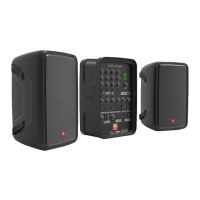
Included in the EON 210P package are:
6SHDNHUVZLWKGHWDFKDEOHPRGXOHV
1 module contains the EON 210P powered mixer
1 module is designed for storage of speaker cables and microphones
1 pair of unshielded speaker cables
1 Power cable
User’s Guide
GETTING STARTED
1. Remove speakers, power cable and the speaker cables from the carton.
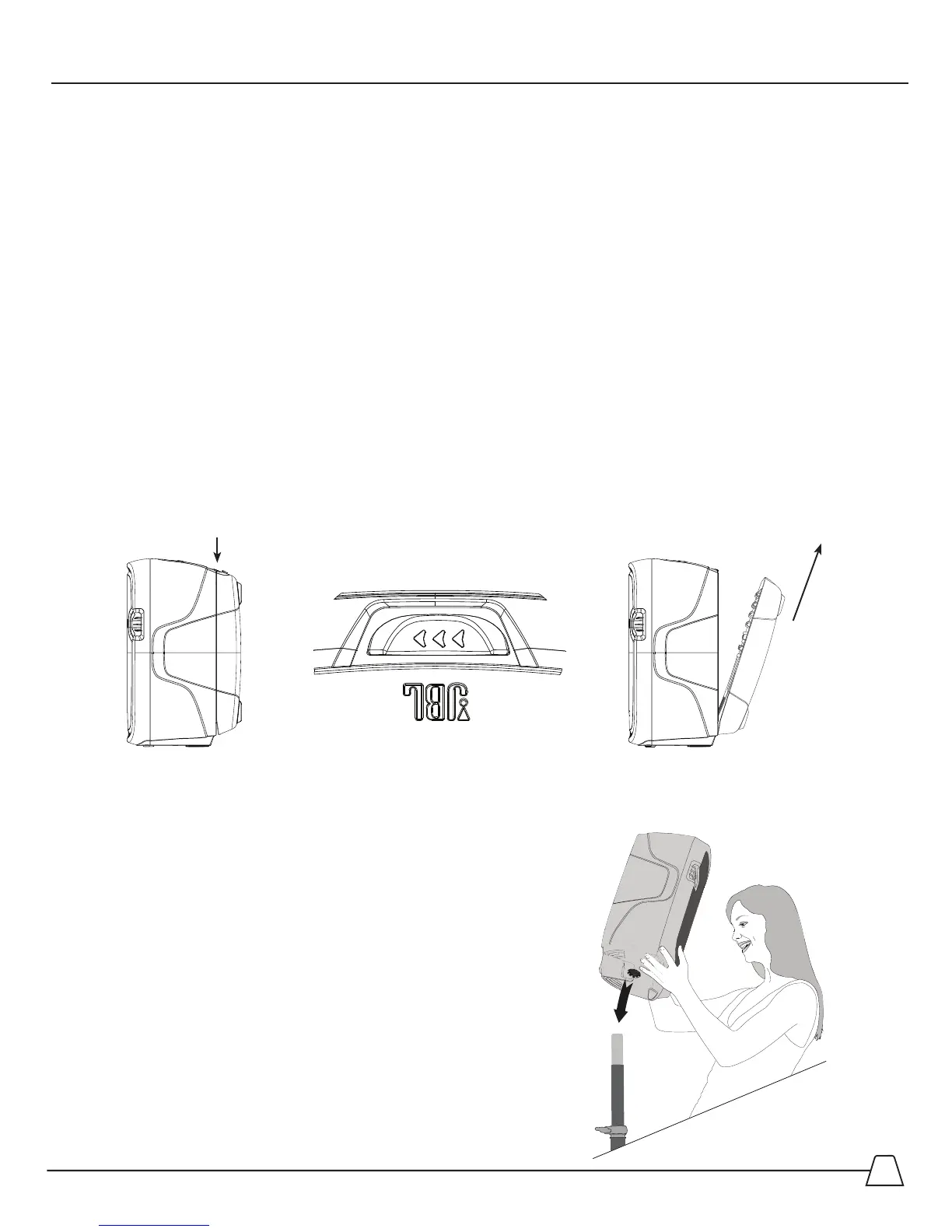
2. Detach the modules from the speakers. By pressing and sliding the button on the top of the speakers
you will release the module from the speaker. All that is required is a little lift on the module once the
EXWWRQLVSUHVVHG([
3. If you have purchased speaker stands, you can place the
speakers on the stands utilizing the pole mount adaptor built
into the EON210P speaker cabinets. Once the speaker is on
the pole, tighten the set screw to snug the speaker
to the pole.
3UHVVKHUH
/LIW
6OLGHEXWWRQ


 To Next Page