27
X At least one LSR4300 monitor in a networked system must have its LEFT DIP switch set to ON.
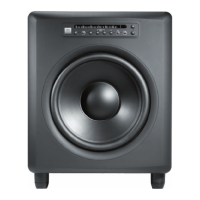
X Making any of the following changes in the LSR4312SP from either the front panel, wireless remote control,
or LSR4300 Control Center Software will cause the JBL logo in networked speakers to blink for approximately 3
seconds:
• Turning Bass Management on or off.
• Changing the Bass Management Crossover frequency.
• Changing the LFE Filter frequency.
• Changing the Subwoofer Level.
This is done to provide visual confi rmation if the front panel of the subwoofer is not easily viewable.
Reference -
Network Connections and DIP Switch Settings


 To Next Page