Need help?
Do you have a question about the JBL MBB-2020 and is the answer not in the manual?
Lists key features like AM/FM, Bluetooth, USB input, waterproof design, amplifier, and outputs.
Details operational voltage, output power, impedance, tuning range, sensitivity, and audio response.
Addresses common issues like no power, no sound, no reception, and USB errors with causes and solutions.
Advises on careful mounting to avoid interference and exposure to elements, with visual guides.
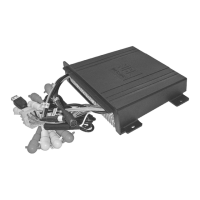
Details the pin configuration for connectors and explains power wiring requirements.
Describes how to use the auxiliary input mode for audio playback.
Explains the use of RCA outputs for connecting amplifiers or subwoofers.
Details the option to use wireless RF or proprietary wired remotes for control.
Step-by-step guide on how to pair the device with a Bluetooth source and manage connections.
How to play music, navigate tracks, and control playback via Bluetooth.
Advises on checking wiring, battery, grounding, and polarity for optimal performance.
Provides instructions for safely connecting speakers and power.
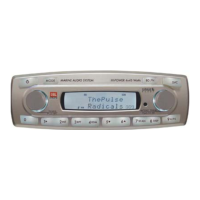
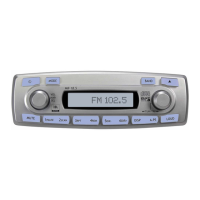
Identifies and describes the purpose of each button on the front panel.
How to select USB mode, play/pause, navigate tracks, and search files.
How to navigate directories, display track information (ID3 tags).
How to select radio mode, bands, and use tuning methods.
How to manually store stations, use auto store, and scan for signals.
How to turn the unit on/off, mute, and access audio adjustments.
Detailed steps for adjusting bass and treble levels.
How to adjust speaker balance, fader, and equalizer presets.
Accessing and adjusting initial volume, area, beep, subwoofer, and Bluetooth volume.
How to adjust volume, switch sources, set time, and use loudness feature.
 General
| Brand | JBL |
|---|---|
| Model | MBB-2020 |
| Category | Marine Audio |
| Language | English |

 To Next Page