Need help?
Do you have a question about the JBL MBB-3 and is the answer not in the manual?
Choose mounting location carefully, avoid high temp, dust, dirt, vibration. Use supplied hardware for secure installation.
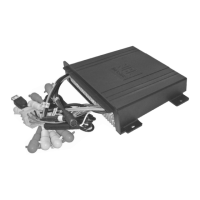
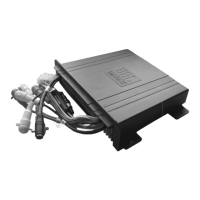
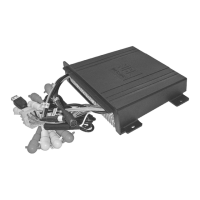
Diagrams showing correct and incorrect mounting positions for the black box unit.
Use nylon wire tie-downs for support and to prevent water intrusion into the unit.
Ensure the black wire connects to a good ground point or the boat's negative battery terminal.
This model is suitable for boats with a negative ground system.
Disconnect battery positive cable before wiring; connect ground wire to metal or negative terminal.
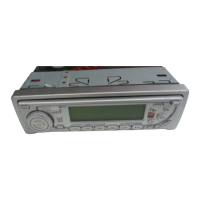
Details operation of MODE, copying files, deleting files, and searching folders/tracks in USB/NAND.
How to store, auto-store, scan, and program memory scan for radio stations.
Details Play/Pause, Intro Scan, Repeat, Random play, track selection, and tuning for music playback.
Lists and describes functions of buttons on the optional remote control.
Functions of the Power button and Volume adjustment for overall audio.
Adjust Volume, Bass, Treble, Balance, Fader, and configure Beep, I-Vol, Area, DSP, Sub-W.
Selects between Radio, CD, USB/NAND, CDC, SIRIUS, or AUX modes.
Selects radio bands (FM/AM) or SIRIUS bands (SSR).
Steps to set the clock time using the DIS, VOL, and DIS buttons.
Enhances bass and treble at low volumes; press button to toggle.
Manual and Seek tuning operations for radio stations.
 General
| Bluetooth | Yes |
|---|---|
| USB | Yes |
| AUX | Yes |
| UV Resistant | Yes |
| Waterproof | Yes |

 To Next Page