Need help?
Do you have a question about the JBL MBB-218 and is the answer not in the manual?
General safety and installation advice for mounting the unit securely.
Visual guide showing recommended and prohibited mounting orientations.
Specific note about using nylon wire tie-downs for added support.
Note on the need for additional Sirius components for broadcast reception.
Brief overview of the SIRIUS Satellite Radio service features.
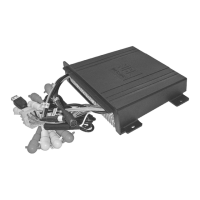
Diagram of connections and crucial safety notes for wiring.
Causes and solutions for radio interference.
Causes and solutions for distorted audio output.
Technical details for FM/AM tuners and audio amplifier.
Steps to switch to CD changer operation.
How to select discs and navigate tracks.
Functions for play, pause, intro scan, repeat, and random play.
Method for fast forwarding, rewinding, and changing tracks.
Instructions for detaching the front panel for servicing.
Steps for reattaching the front panel to the unit.
Guidelines for proper grounding connections to the boat chassis or battery.
Caution regarding the unit's compatibility with negative ground systems.
Crucial safety advice for connecting speakers and power cables.
How to actively tune or scan for radio stations.
Procedure for saving favorite radio stations manually.
Automatic storage of up to six strong stations.
How to preview stations by scanning.
Scanning through previously stored stations.
Detailed list of what each button on the optional remote control does.
Instructions for changing the battery in the remote control.
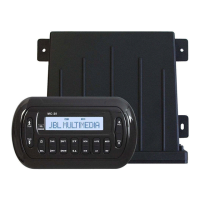
Identifying the primary control buttons on the unit.
Identifying buttons for volume, tuning, and track navigation.
Locating and using the button to release the front panel.
In-depth operation of power and select buttons.
Controls for bass, treble, balance, and fader adjustments.
Details on beep, initial volume, area, and DSP settings.
Operations for volume, mode, loudness, and display/clock settings.
 General
| Brand | JBL |
|---|---|
| Model | MBB-218 |
| Category | Marine Audio |
| Language | English |

 To Next Page