Basic Operation JBL
2-20
TWO-LINE STATUS
The two-line status opens on the on-screen and front panel displays
whenever the SDP-40HD detects a status change such as a new
input source or listening mode. The information included on the
two-line status differs depending on the zone in which the
SDP-40HD last detected a status change.
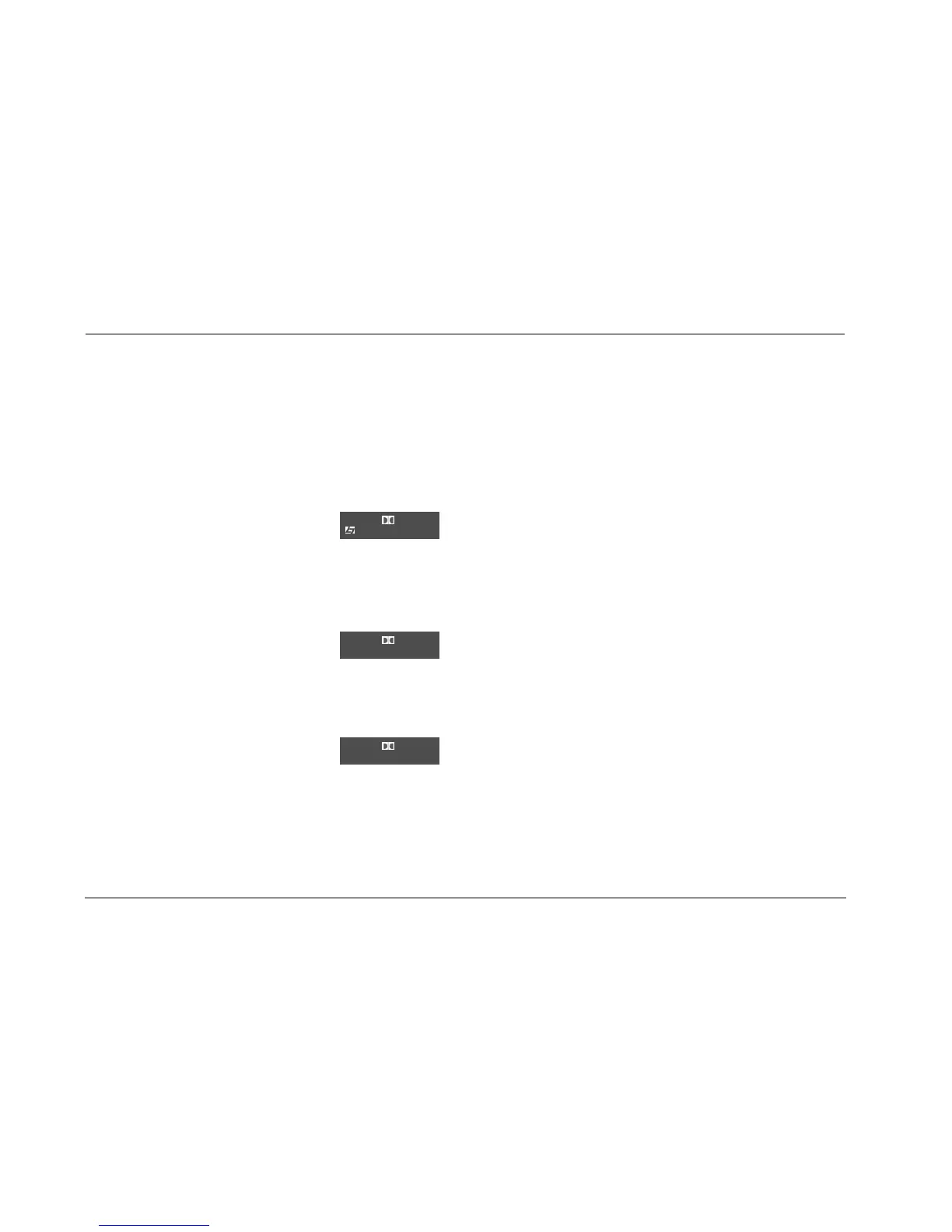
MAIN ZONE TWO-LINE STATUS
Opens on the on-screen and front panel
displays whenever the Main Zone status
changes. The Main Zone two-line status
indicates the current input, listening mode, input source, and
volume level selected in the Main Zone.
ZONE 2 TWO-LINE STATUS
Opens on the on-screen and front panel
displays whenever the Zone 2 status changes.
The Zone 2 two-line status indicates the
current input, input source, and volume level selected in Zone 2.
RECORD ZONE TWO-LINE STATUS
Opens on the on-screen and front panel
displays whenever the Record Zone status
changes. The Record Zone two-line status
indicates the current input, input source, and volume level selected
in the Record Zone.
The ON-SCREEN DISPLAY menu STATUS parameter controls how
long the two-line status appears on the on-screen display. The
ON-SCREEN DISPLAY menu POSITION parameter controls the
vertical alignment of the two-line status on the display device
screen.
Notes:
• When the display device is connected to a component video output
connector and the ADVANCED menu COMPONENT OSD parameter is
set to OFF, the display device does not show the on-screen display,
including the two-line status.
• The two-line status displays on the component video output only when
VIDEO IN is set to composite or S-video and COMPONENT IN is set to
VIDEO.
DVD1 D VOL
FILM
-34dB
DVD1 D VOL
ZONE 2
-34dB
DVD1 D VOL
RECORD
-34dB


 To Next Page