Setup JBL
3-52
the two-line status appears centered on the display device screen.
When BOTTOM is selected, the two-line status appears near the
bottom of the display device screen.
FORMAT SECAM, PAL, NTSC
Controls the compatibility between the composite and S-video
output connectors, the video switcher, and the display device.
Select the setting that is compatible with the source components
and the display device.
Note:
The FORMAT parameter has no effect on the component video output
connector.
BACKGROUND ON, OFF
Determines the on-screen display background. When ON is
selected, the on-screen display appears over a solid blue or gray
background (depending on the display device). When OFF is
selected, the on-screen display appears over the video input signal.
Note:
When the BACKGROUND parameter is set to OFF, the on-screen
display automatically deactivates when the display device is connected
to the Main Zone component video output connector.
REMOTE STATE ON, OFF
Activates the remote control command bank indicator, a letter that
appears in the top-right corner of the on-screen display to indicate
the command bank from which the SDP-40HD last received a
command. The table below indicates the letter that represents each
command bank.
When ON is selected, the command bank indicator appears in the
top-right corner of the on-screen display whenever the SDP-40HD
receives a remote control command. When OFF is selected, the
command bank indicator does not appear on the on-screen display
when the SDP-40HD receives a remote control command.
* No letter appears when the SDP-40HD receives a command from the Main Zone
command bank, even if the REMOTE STATE parameter is set to ON.
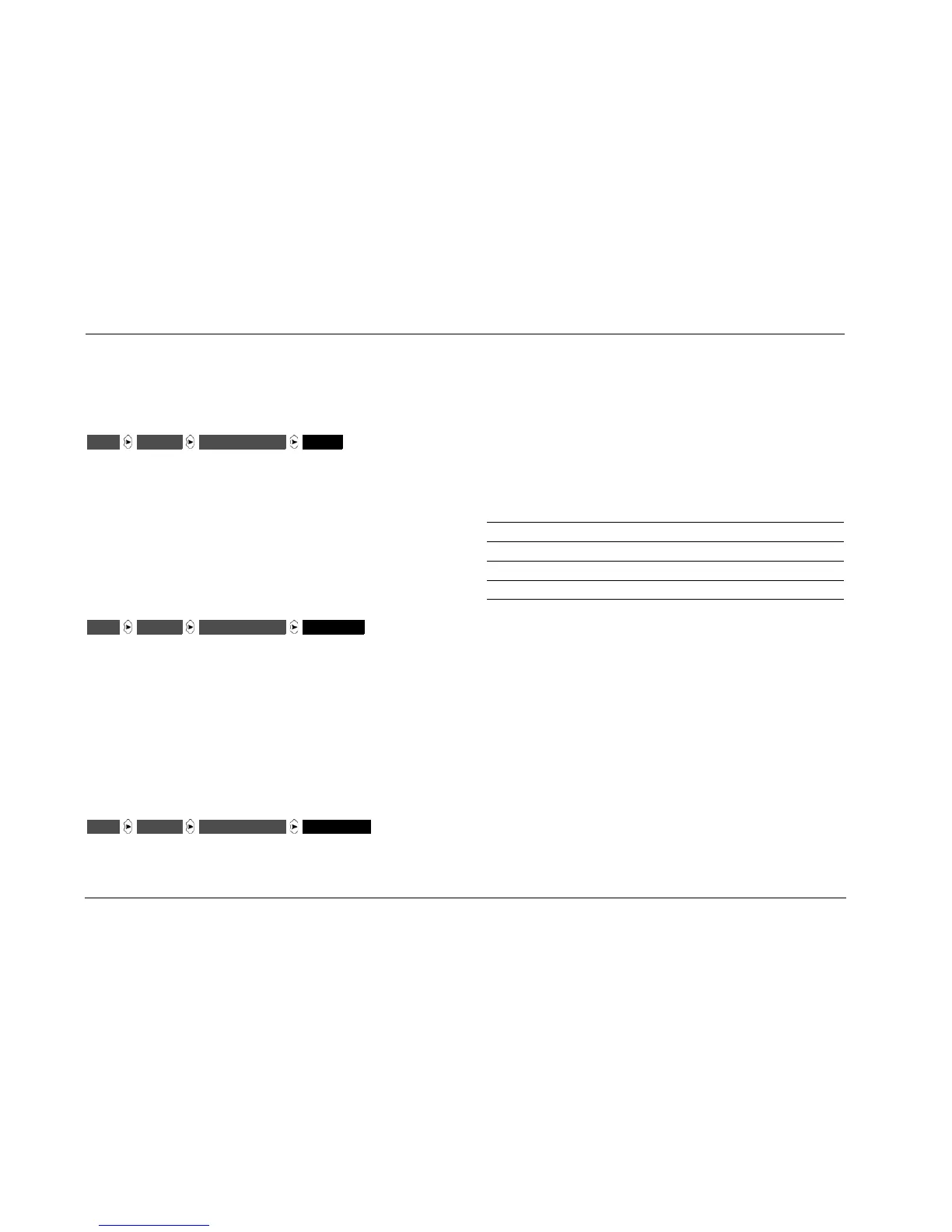
DISPLAYSSETUP ON-SCREEN DISPLAY FORMAT
DISPLAYSSETUP ON-SCREEN DISPLAY BACKGROUND
DISPLAYSSETUP ON-SCREEN DISPLAY REMOTE STATE
Letter Indicator Command Bank
None* Main Zone
Z Zone 2
R Record Zone
S Shift


 To Next Page