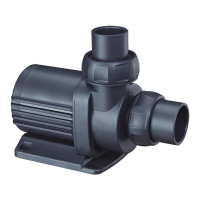
Vario Wave Maker
D Series
①
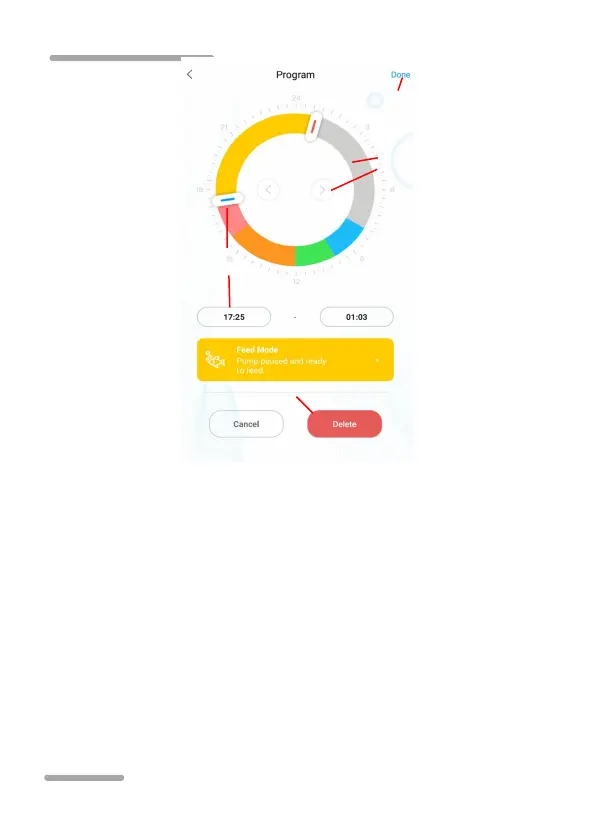
Double-click the blank area of the ring to add the plan time period
or use the switch button to switch to the blank area of the ring to add
the plan time automatically.
②Choose the plan period of work mode.
③Drag the slider to adjust start and end time or modify start
and end time directly.
④Click finish to save plan setting.
⑤Clicking delete will delete the current scheduled period.



 To Next Page