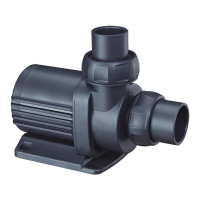
Vario Wave Maker
D Series
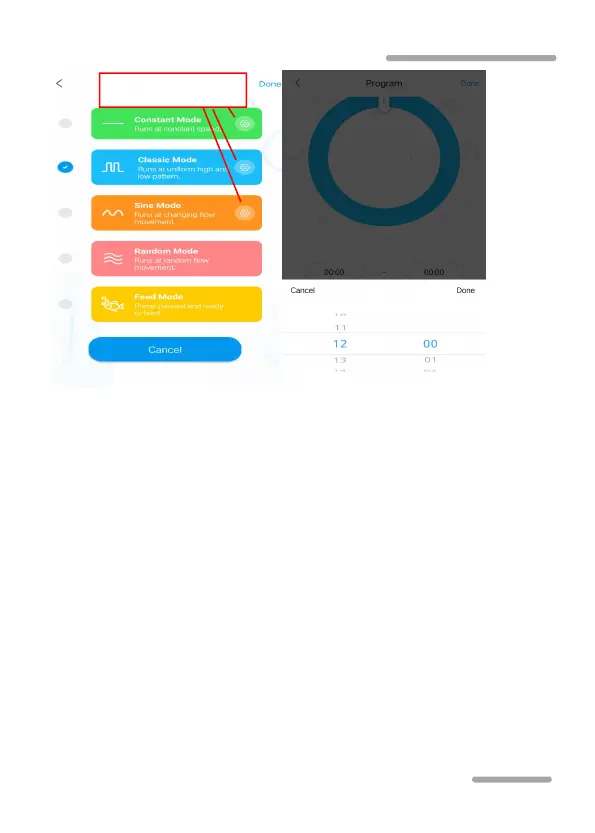
Mode selection and setting Time period setting
Linkage mode setting: In the device control interface,
click "Linkage" button to enter linkage settings. In the linkage
mode, two or more wave pumps are required in a group. One
pump is set as the main control and the other slave control.
When set the function, only adjust the main control function,
the slave control function is determined by the main control.
The main control has timing and manual functions, and the
settings are the same as timing and manual settings.



 To Next Page