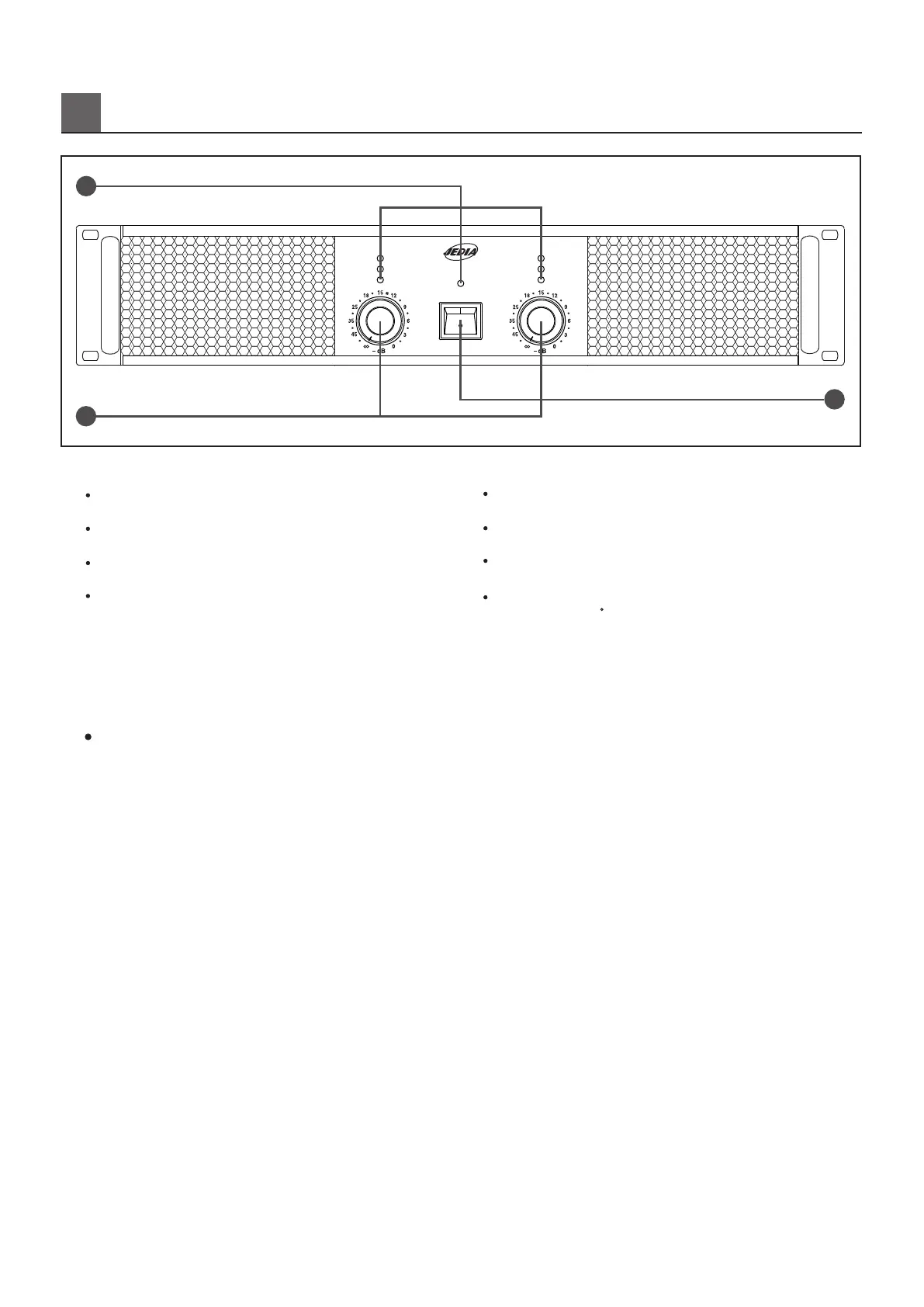
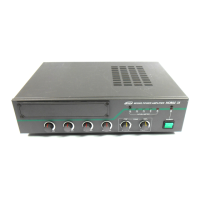
1. LED INDICATOR
1. LED
F
RONT PANEL CONTROLS
SIGNAL LED
SIGNAL LED light if the output signal exceeds 100mW.
POWER LED
POWER LED as operating light.
TEMP LED
overheating.
CLIP/LIM LED light with overdrive.
CLIP/LIM LED
When the temperature of the heatsink exceeds 100 degress,
the amplifier by muting the input/output signal thus preventing
2. CANNEL VOLUME
Control for the output level of channel 1,2.
switched on.
2~3 minutes before switching off.
For the internal fans continue to cool the unit otherwise the
amplifier maybe damaged.
NOTE:
1. To avoid loud switching noises, always switch on the power
amplifier in an amplifier system after all other units have been
2. At first turn the volume fully counterclockwise. Then wait approx
3. POWER SWITCH
Provides power to the unit.
CLIP/LIM LED
정격출력을초과하여일그러짐이발생하면LED가켜지게됩니다.
SIGNAL LED
POWER LED
출력신호의유무를표시하여주는LED입니다.
앰프에전기가공급되고있음을알려주는LED입니다.
TEMP LED
방열판의온도가100C를넘게되면LED가켜집니다.
이때입출력신호는뮤팅(차단)되어과열로인해발생할수있는사고를
방지할수있습니다.
2. CHANNEL VOLUME
각채널의음량을조절하는볼륨입니다.
3. POWER SWITCH
※주의
기기에전원을공급하는스위치입니다.
켜십시오.
정도기다린후방열판이식으면전원을꺼주시기바랍니다.
1.앰프의전원을켤때는주변음향기기들을먼저켠후에앰프의전원을
2.앰프의전원을끌때는볼륨을반시계방향으로끝까지돌리고,23분
(전면기능)
2
1
2
3
Clip / Lim
Signal
Power
Clip / Lim
Signal
Power
Ch 2
Ch 1
Temp
POWER
POWER 800A


 To Next Page