10
®
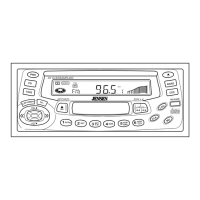
KDC 9520
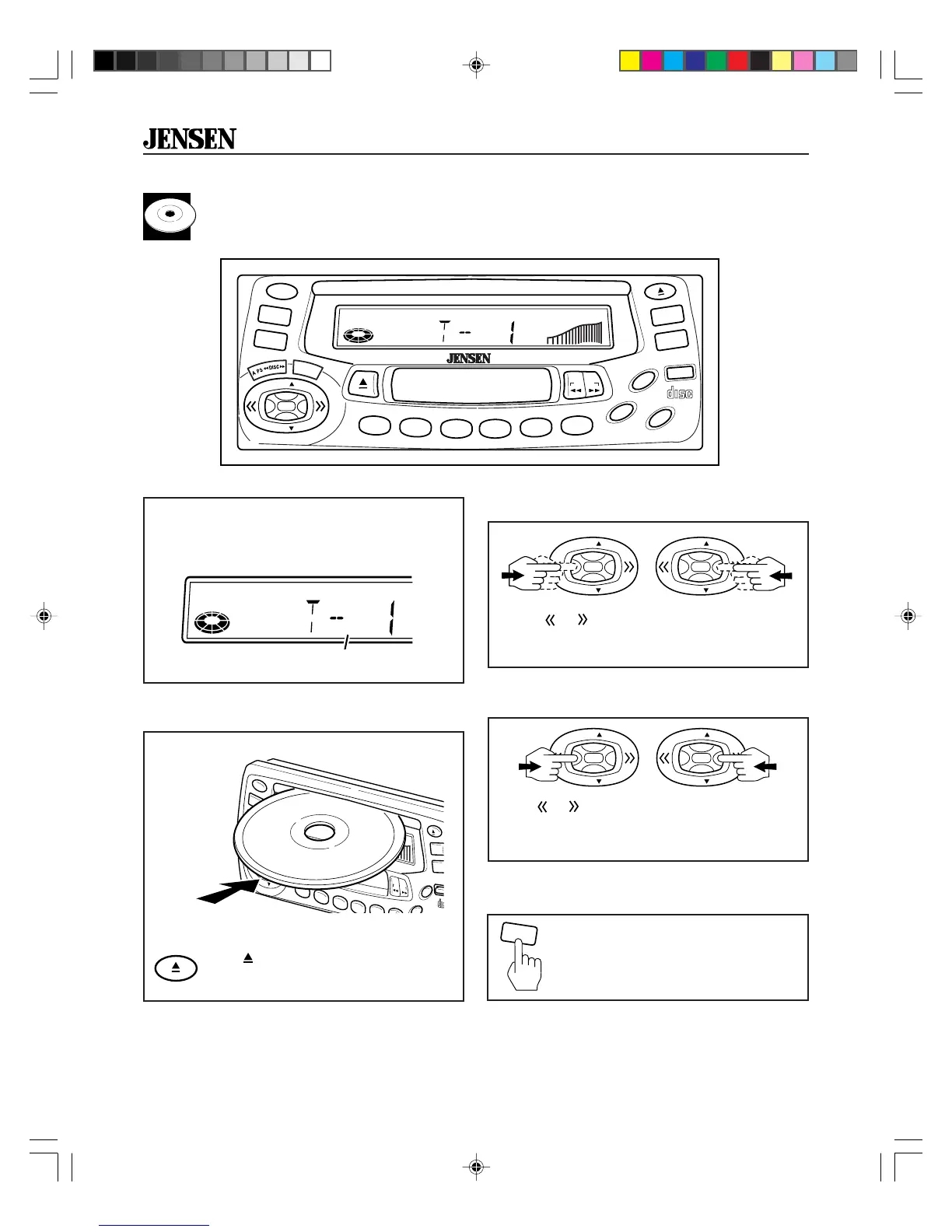
CD Player Operation
Pause CD
During CD player operation, press
CD button to pause CD play. PAUS
appears in the display. Press again to
resume play.
Insert and Eject CD
Fast Forward and Fast Reverse
Hold or to fast forward or fast reverse a
track. CD play resumes after you release the
button.
Push a CD into slot. The CD will begin to play.
Press
(EJECT) to stop CD play and
eject CD from slot.
Insert CD
label side up
Skip Tracks
Press or to advance to next track. Track
numbers show on display.
PWR
A.PS
SEL
CD
TAPE
BAND
CDC
LOU
REL
CO
DIGITA
35W x 4
KDC9520
8X OVERSAMPLING
RDM
P
RPT
A-B
RPT
INTRO
2
1
3
4
VOL
VOL
PR OG
®
x
x
x
x
x
x
x
x
x
x
x
x
x
x
x
x
x
x
x
x
x
x
Insert a CD to start CD player operation.
LOAd appears in the display for two seconds
then the track number is displayed.
or
VOL
VOL
VOL
VOL
or
VOL
VOL
VOL
VOL
Track number
PWR
SEL
CD
TAPE
BAND
CDC
LOU
MO
CLK
RELEASE
COMPACT
DIGITAL AUDIO
35W x 4KDC9520
8X OVERSAMPLING
RDM
PGM
AMS
MEM
CLR
RPT
A-B
RPT
INTRO
2
1
3
4
5
6
PR OG
VOL
VOL
®
RPTINTRO
.
CD
RPTSCNLOUD
KDC9520_EOP.p65 3/14/00, 1:57 PM10


 To Next Page