7
®
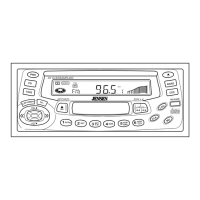
KDC 9520
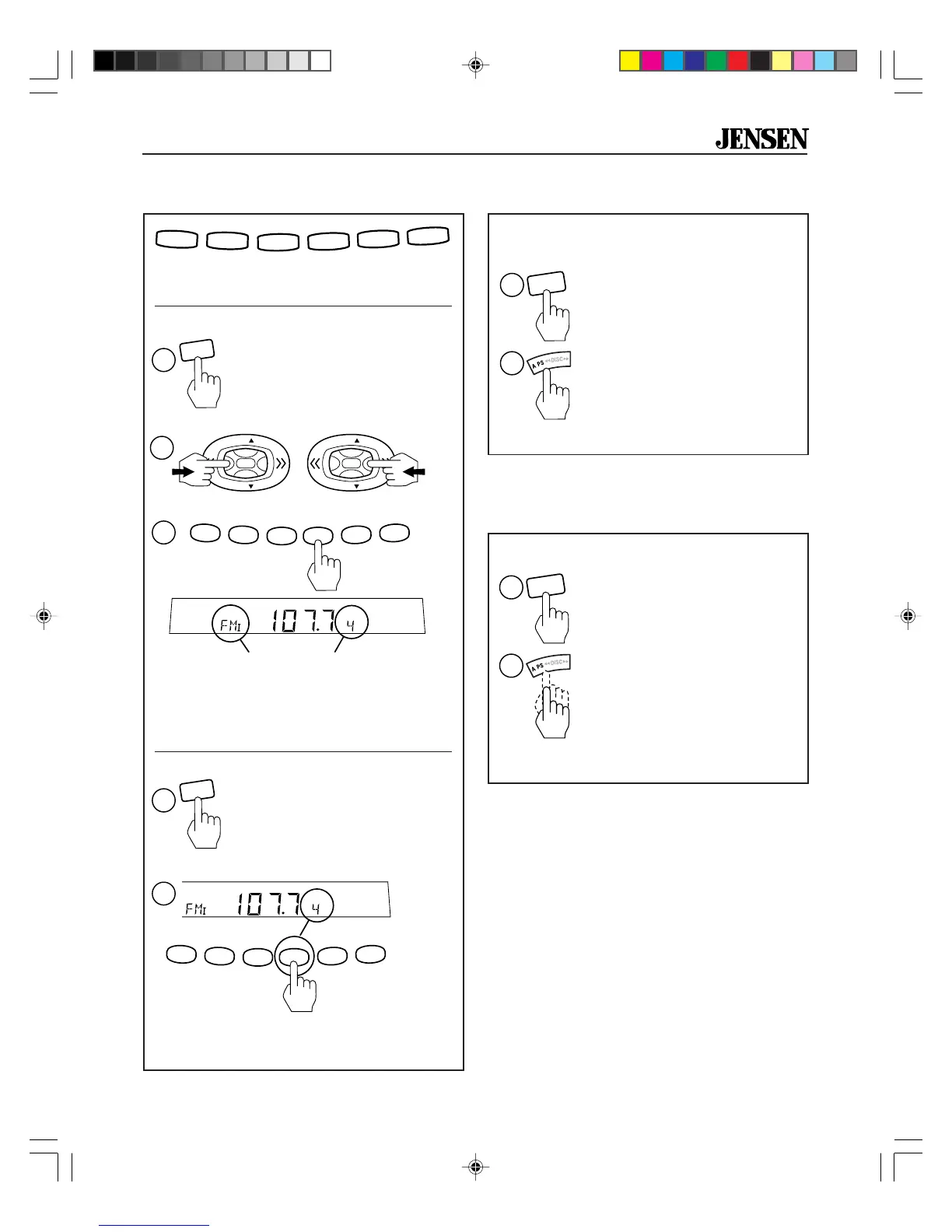
Automatically Store Stations
Store a station:
Six numbered preset buttons store and recall
stations for each band.
Preset Station Number
1. Select a band (if needed).
Band
Recall a station:
1. Select a band (if needed).
<2 Sec
RDM
PGM
AMS
MEM
CLR
RPT
A-B
RPT
INTRO
2
1
3
4
5
6
BAND
1
RDM
PGM
AMS
MEM
CLR
RPT
A-B
RPT
INTRO
2
1
3
4
5
6
2
CH
3
RDM
PGM
AMS
MEM
CLR
RPT
A-B
RPT
INTRO
2
1
3
4
5
6
CH
2. Select a station.
3.
Hold
a preset button for two seconds.
Receiver will beep. The preset station
number appears on the display and re-
ceiver beeps again when station is saved.
2.
Touch
a preset button for less than two
seconds to select stored station.
Preset Stations
Select six strong stations and store them in
current band.
Scan stations stored in current band.
Scan Stored Stations
(Preset Scan)
1. Select a band (if needed).
2.
Hold
A.PS button for
more
than two seconds. The
six new stations replace
stations already stored in
that band.
.
BAND
2
1
.
BAND
2
1
1. Select a band (if needed).
2.
Touch
A.PS for
less
than
two seconds. Radio pauses
for ten seconds at each
station.
Touch
A.PS again to
stop scanning when desired
station is reached.
<2 Sec
>2 Sec
2
or
VOL
VOL
VOL
VOL
BAND
1
>2 Sec
KDC9520_EOP.p65 3/14/00, 1:56 PM7


 To Next Page