EasyManua.ls Logo

Jensen KDC 9520 - Reset Button; Removable Faceplate

Jensen KDC 9520
14 pages
Print Icon
To Next Page IconTo Next Page
To Previous Page IconTo Previous Page
Loading...
5
®
KDC 9520
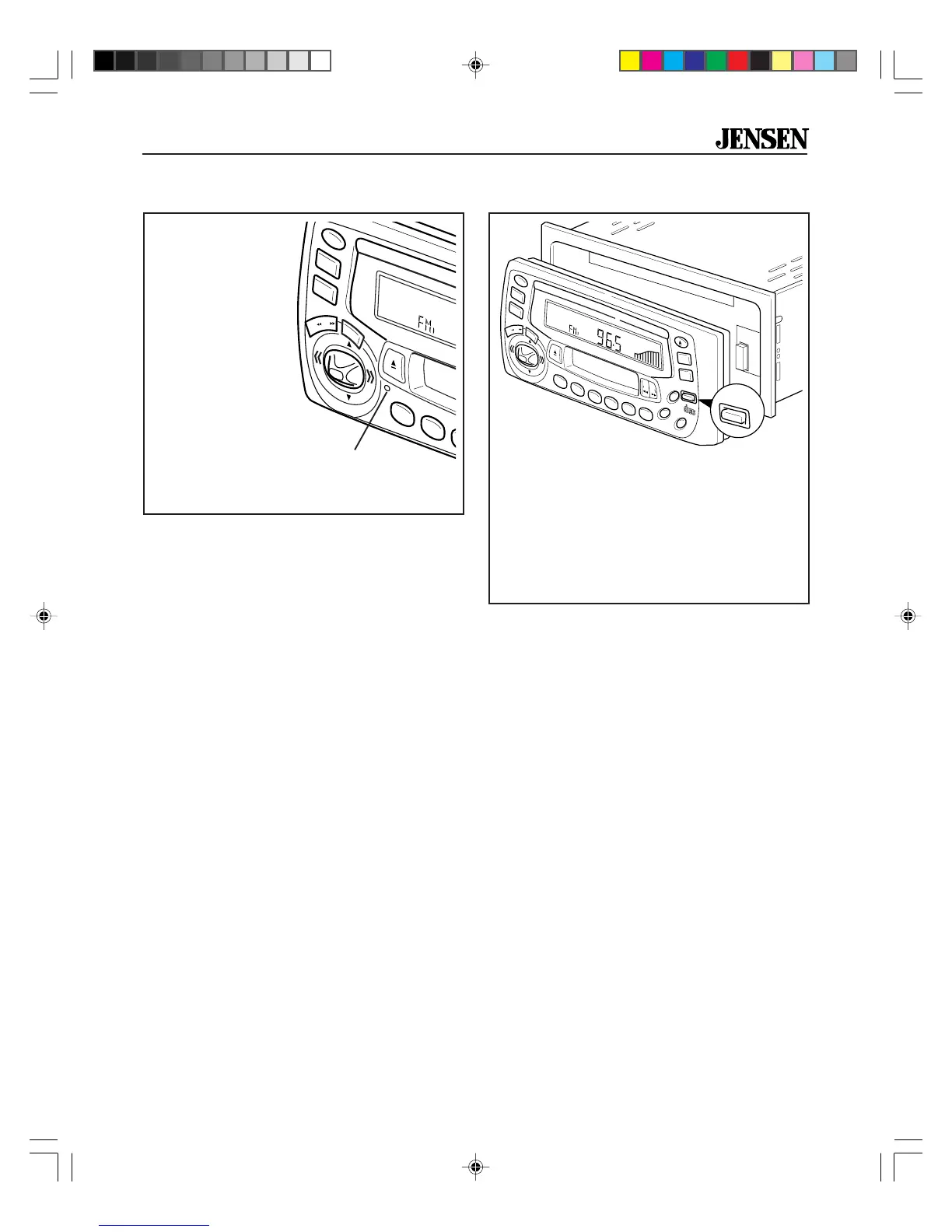
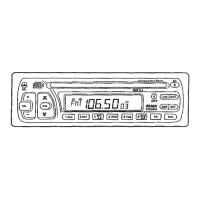
Removable Faceplate
1. Press RELEASE button and pull gently
on right side of faceplate to remove.
2. To reinstall, slip left edge into radio.
3. Press into place.
4. Press PWR to turn receiver on.
®
PWR
SEL
CD
TAPE
BAND
CDC
LOU
MO
CLK
RELEASE
COMPACT
DIGITAL AUDIO
35W x 4
KDC9520
8X OVERSAMPLING
RDM
PGM
AMS
MEM
CLR
RPT
A-B
RPT
INTRO
2
1
3
4
5
6
VOL
VOL
PR OG
RELEASE
A.PS
DISC
Reset Button
Reset
Button
The RESET button is
located on the left
side of the faceplate.
In case of abnormal
operation, use a
pencil tip (or other
non-metallic object)
to press the RESET
button. Pressing
RESET does not
erase memory pre-
sets or other control
settings, it resets
error codes only.
®
PWR
SEL
CD
TAPE
KDC9520
8X OVERSAMPLING
RPT
INTRO
2
1
3
VOL
VOL
A.PS
DISC
KDC9520_EOP.p65 3/14/00, 1:56 PM5

Related product manuals