2
®
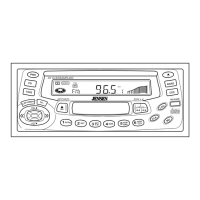
KDC 9520
VOL
VOL
VOL
VOL
or
Basic Operation
On/Off
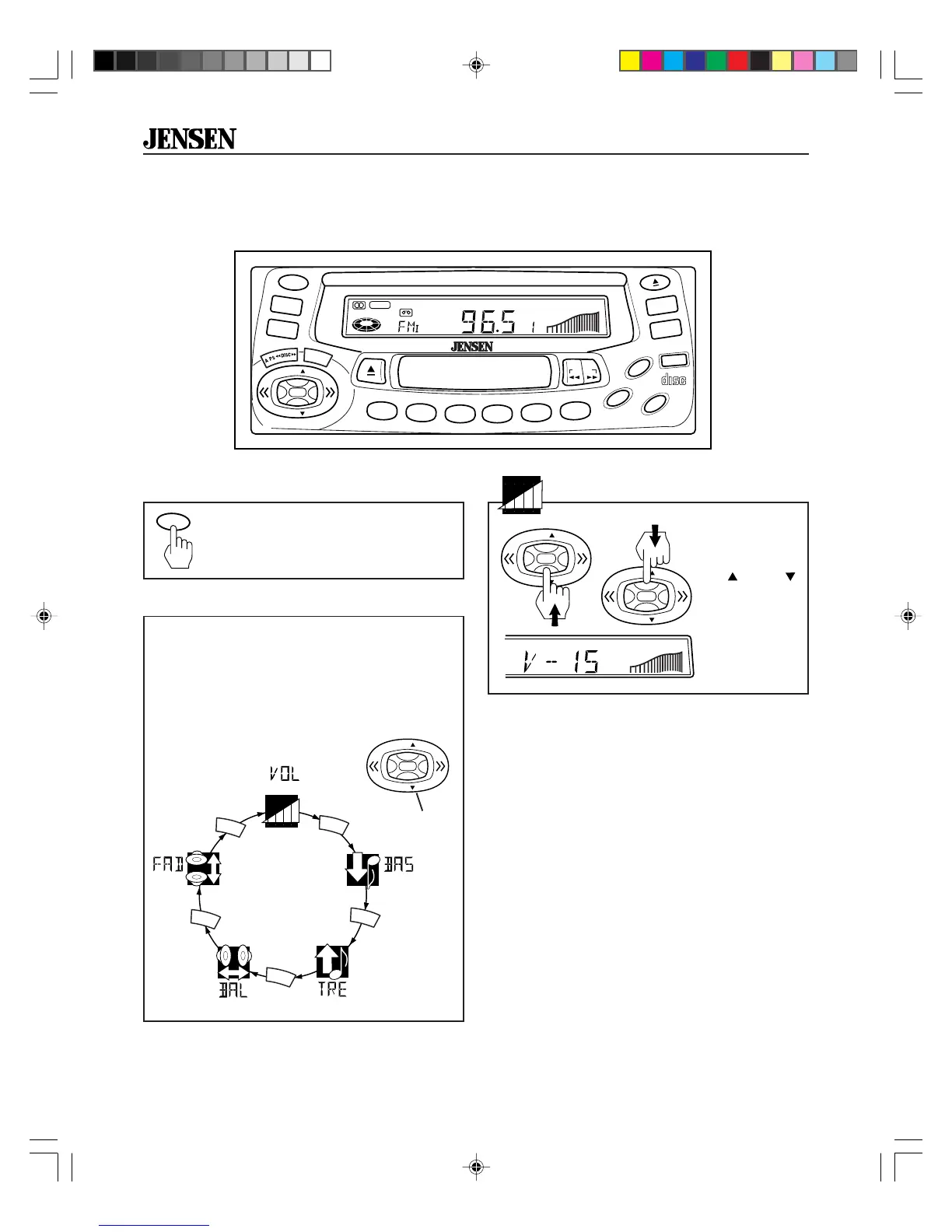
Press PWR button to turn the
KDC 9520 on. Press PWR again
to turn it off.
Volume
Select Mode
Press SEL button to move display through
volume, bass, treble, balance and fader func-
tions.
Use the control button
to adjust the
selected mode. When mode has not been
adjusted for 3 seconds, display returns to
normal radio, cassette or CD display.
VOL
(Fader)
(Balance) (Treble)
(Bass)
(Volume)
SEL
SEL
SEL
SEL
SEL
Adjust volume
by pressing
VOL
or
VOL
on the control
button.
VOL
VOL
Control
Button
PWR
CD
TAPE
BAND
CDC
LOU
MO
CLK
RELEASE
COMPACT
DIGITAL AUDIO
35W x 4KDC9520
8X OVERSAMPLING
RDM
PGM
AMS
MEM
CLR
RPT
A-B
RPT
INTRO
2
1
3
4
5
6
PR OG
VOL
VOL
®
T-IN
CH
MONO
SEL
.
PWR
KDC9520_EOP.p65 3/14/00, 1:55 PM2


 To Next Page