8
®
KDC 9520
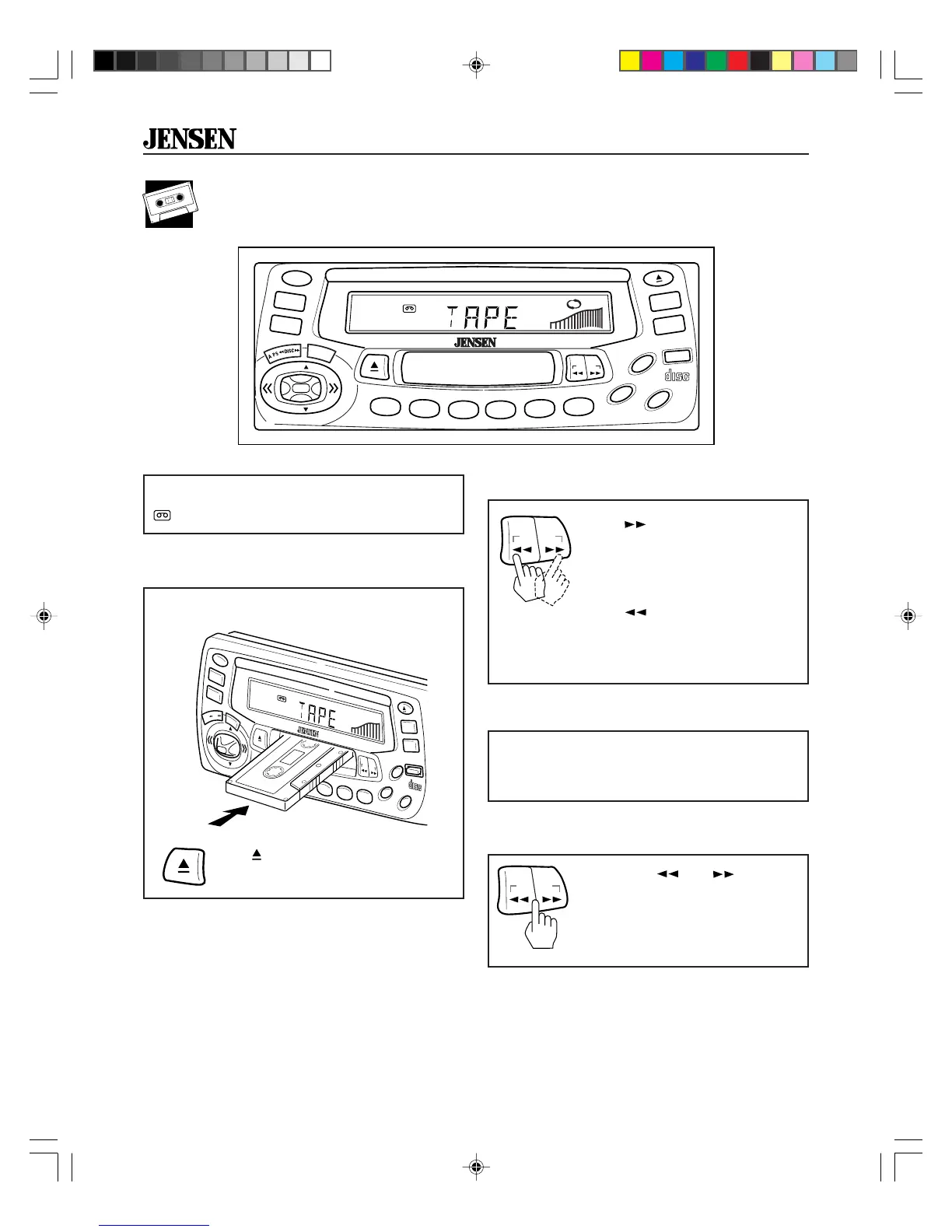
Tape Player Operation
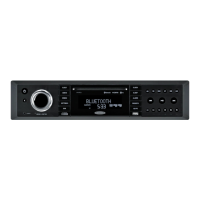
Insert and Eject Tape
Fast Forward and Rewind
Press . The button will pop
out while the tape moves in fast
forward. Press again to resume
playing.
Press
. The button will pop
out while the tape moves in
reverse. Press again to resume
playing.
Push a tape into slot. The tape will begin
to play.
Press
(EJECT) to stop tape play
and eject tape from slot.
PWR
SEL
CD
TAPE
BAND
CDC
LOU
MO
CLK
RELEASE
COMPACT
DIGITAL AUDIO
35W x 4
KDC9520
8X OVERSAMPLING
RDM
PGM
AMS
MEM
CLR
RPT
A-B
RPT
INTRO
2
1
3
4
5
6
VOL
VOL
PR OG
®
T-IN
A.PS
DISC
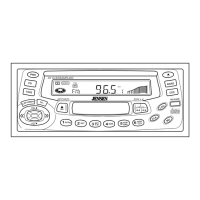
Insert a tape to start tape player operation.
T-IN
appears in the display.
PWR
CD
TAPE
BAND
CDC
LOU
MO
CLK
RELEASE
COMPACT
DIGITAL AUDIO
35W x 4KDC9520
8X OVERSAMPLING
RDM
PGM
AMS
MEM
CLR
RPT
A-B
RPT
INTRO
2
1
3
4
5
6
PR OG
VOL
VOL
®
T-IN AMS
SEL
.
PR OG
Press both and at the
same time (PROG) to change
tape direction and play the other
side of the tape. Arrows on the
display show tape direction.
Change Program (Tape Direction)
PR OG
When a tape reaches the end of one side, the
tape player automatically changes direction
and plays the other side of the tape.
Auto Reverse
KDC9520_EOP.p65 3/14/00, 1:57 PM8


 To Next Page