5
MPR420 OPERATION
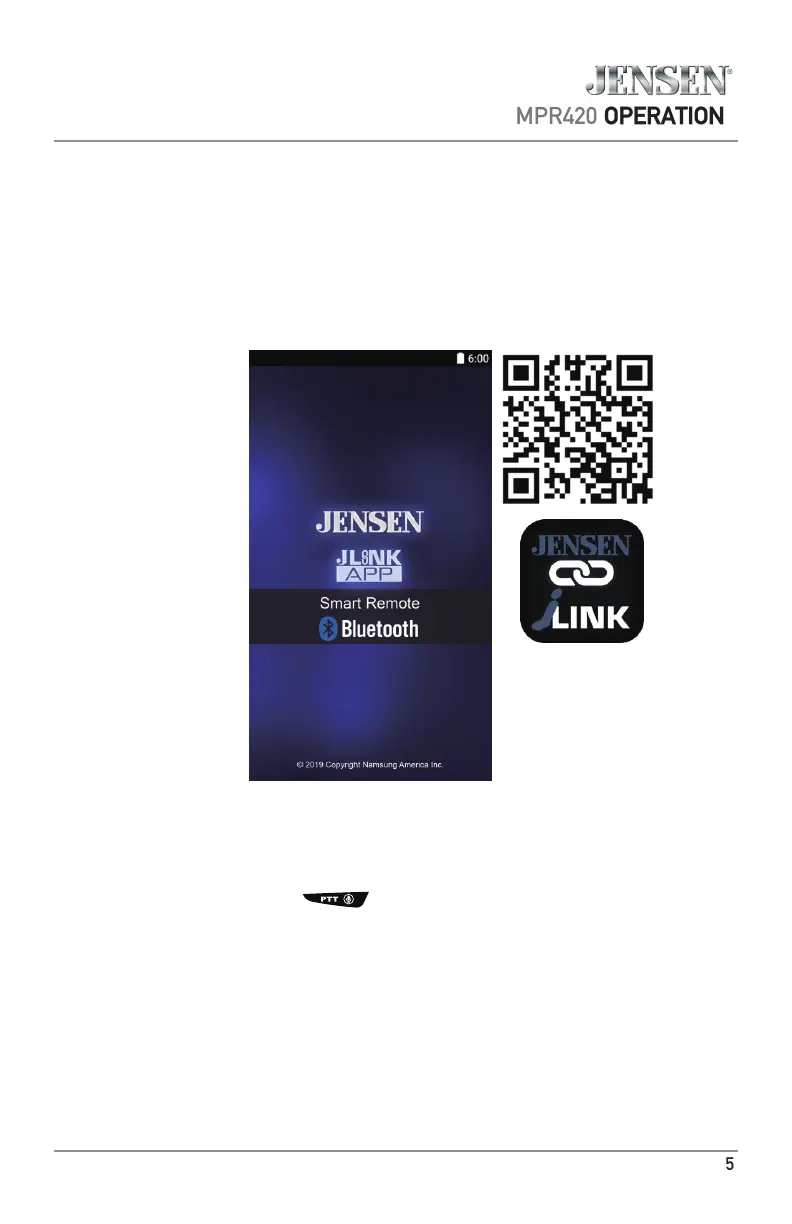
APP Operation
The Jensen Smart App is the ultimate wireless remote control for your
receiver. You can download Jensen Smart app from Apple App Store or
Google Play Store and install it on your smartphone or tablet.
Please scan the following QR code to download the Jensen J-Link P2 APP to
your smart phone.
Voice Activation Operation
Bluetooth should be paired between your smartphone and the receiver.
Press the voice activation button , and the receiver will switch into Bluetooth mode,
This will activate Siri
®
or Google Assistant
TM
on your smartphone. You will need to manually
switch back to the previous or desired mode once this operation is terminated.



 To Next Page