28
VM9022
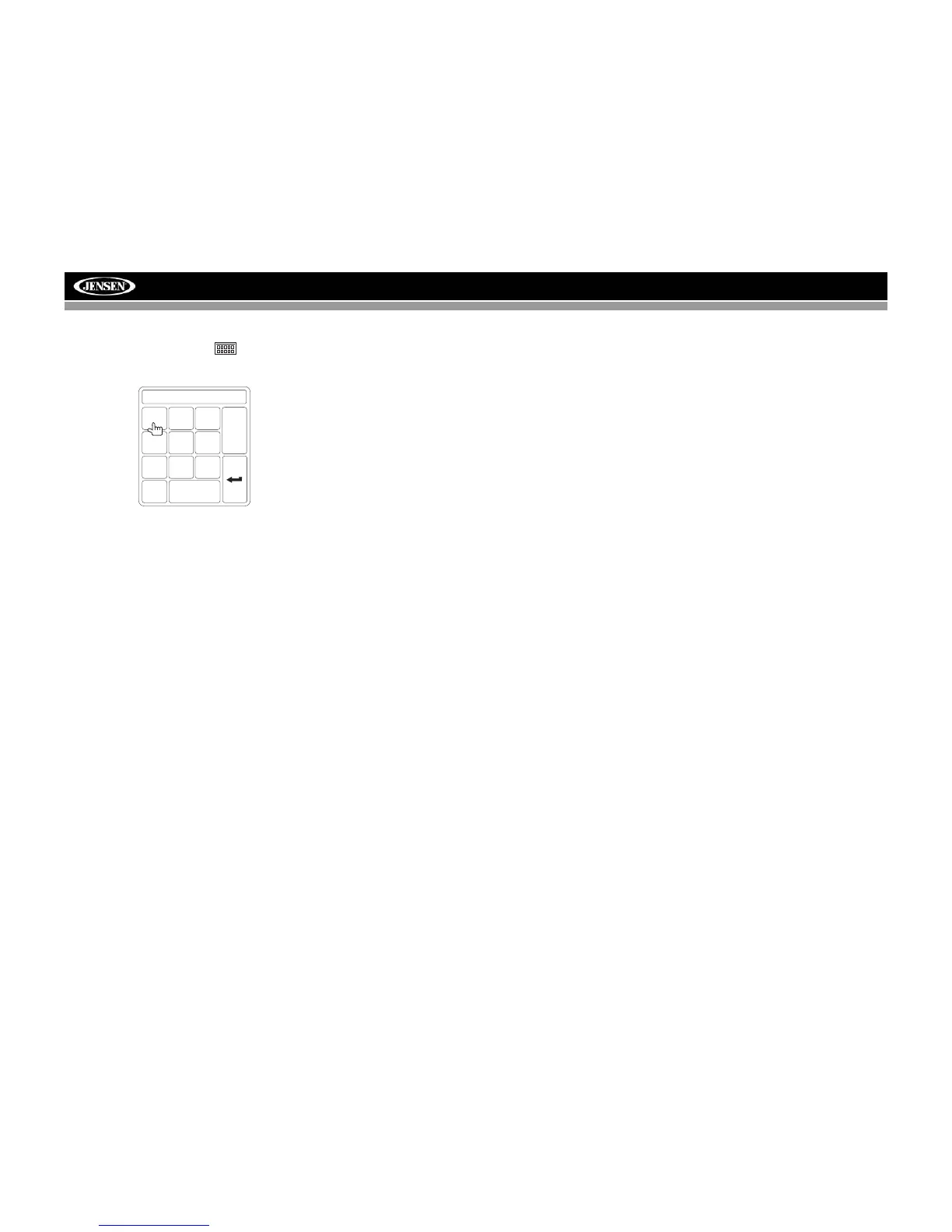
Direct Track Entry
To select a track directly, touch the button on screen to
display the direct entry menu.
Enter the desired track number using the on-screen number
pad, and then press the Enter (arrow) button. To exit the
screen without making a selection, touch Exit. To clear your
entry and start over, touch Clear.
TRACK:__/##
1
2
3
4
5
6
7
8
9
0
Clear
Exit



 To Next Page