30
VM9022HD
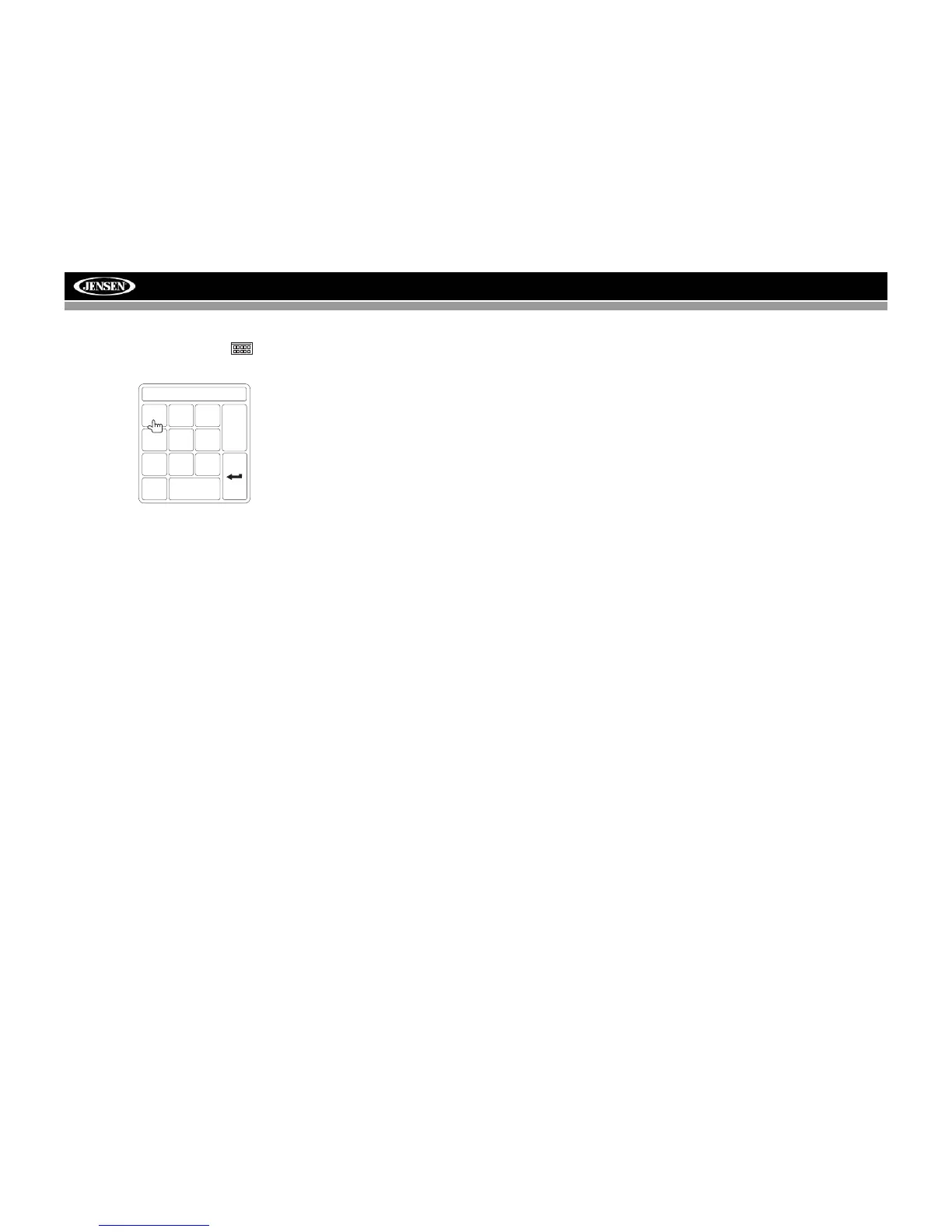
Direct Track/File Entry
To select a track/file directly, touch the button on
screen control to display the direct entry menu.
Enter the desired track/file using the on-screen number pad.
Press the Enter (arrow) button to tune to the selected station.
To exit the screen without changing the station, touch Exit. To
clear your entry and start over, touch Clear.
You can also use the numeric keypad (29) on the remote
control to access files directly.
TRACK:__/##
1
2
3
4
5
6
7
8
9
0
Clear
Exit



 To Next Page