20
VM9216BT
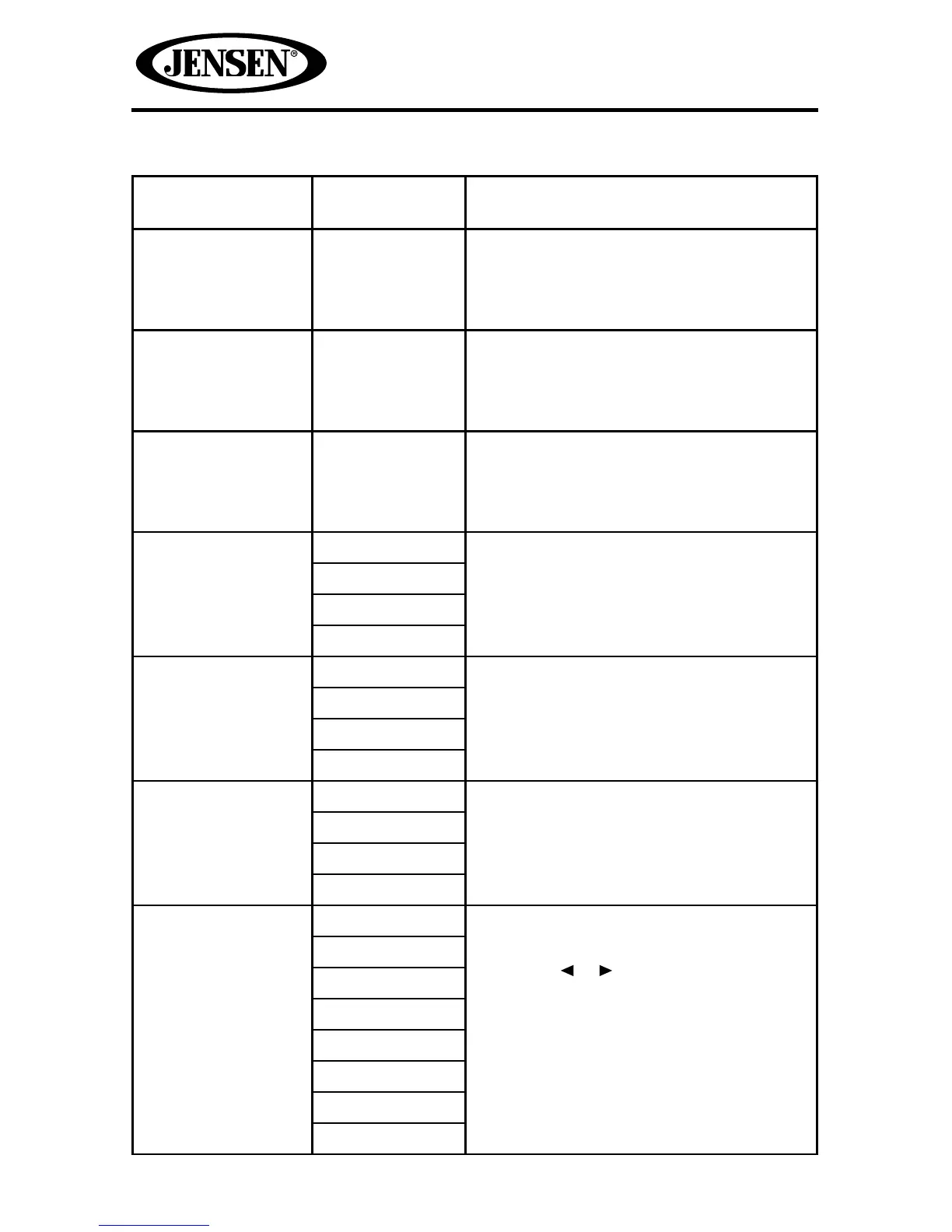
Table 3. Equalizer Adjustments
Setting Adjustable
Range
Function
BASS -14 to +14 Reduces or increases the bass frequency
sound level.
Touch the + or - buttons to adjust the
settings.
MID -14 to +14 Reduces or increases the mid-range
frequency sound level.
Touch the + or - buttons to adjust the
settings.
TREBLE -14 to +14 Reduces or increases the high
frequency sound levels.
Touch the + or - buttons to adjust the
settings.
LCF 60 Hz Selects the low pass lter center
frequency.
Touch the + or - buttons to adjust the
settings.
80 Hz
100 Hz
200 Hz
MCF 0.5 kHz Selects the mid pass lter center
frequency.
Touch the + or - buttons to adjust the
settings.
1 kHz
1.5 kHz
2.5 kHz
TCF 10 kHz Selects the high pass lter center
frequency.
Touch the + or - buttons to adjust the
settings.
12.5 kHz
15 kHz
17.5 kHz
Equalizer Presets User Applies a preset sound level to the
unit’s audio output signal.
Touch the or button to change the
setting.
NOTE: The equalizer will automatically
change to “USER” when individual audio
functions are adjusted.
Acoustic
Urban
Rave
Latin
Dance
Hip Hop
Rock















 To Next Page