64
VM9216BT
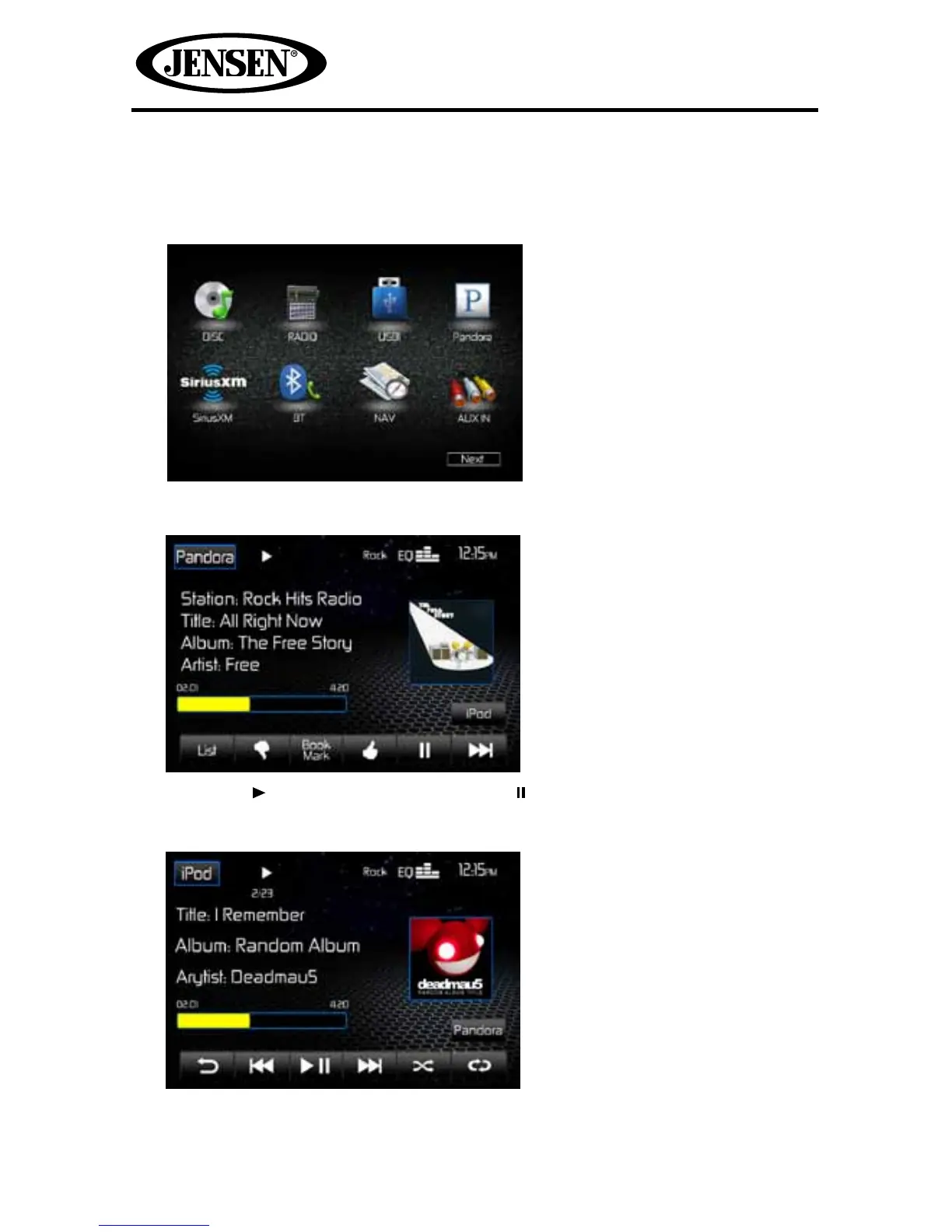
To Start/Stop Pandora Radio
1. Launch the Pandora app on your iPhone®/iPod® touch. The Pandora icon
appears on the Main Menu Screen.
2. Touch the Pandora icon. The Pandora Screen appears.
3. Touch the icon to begin playback or the icon to pause playback..
4. Touch the iPod icon to exit Pandora and return to the iPod Screen.
5. Touch the Pandora icon to return to Pandora Radio.















 To Next Page