79
VM9216BT
Using Preset Stations
Six numbered preset buttons store and recall channels for each band. All six stored
channels for the current band appear on the screen.
Storing a Channel
1. Select a band (if needed), then select a channel.
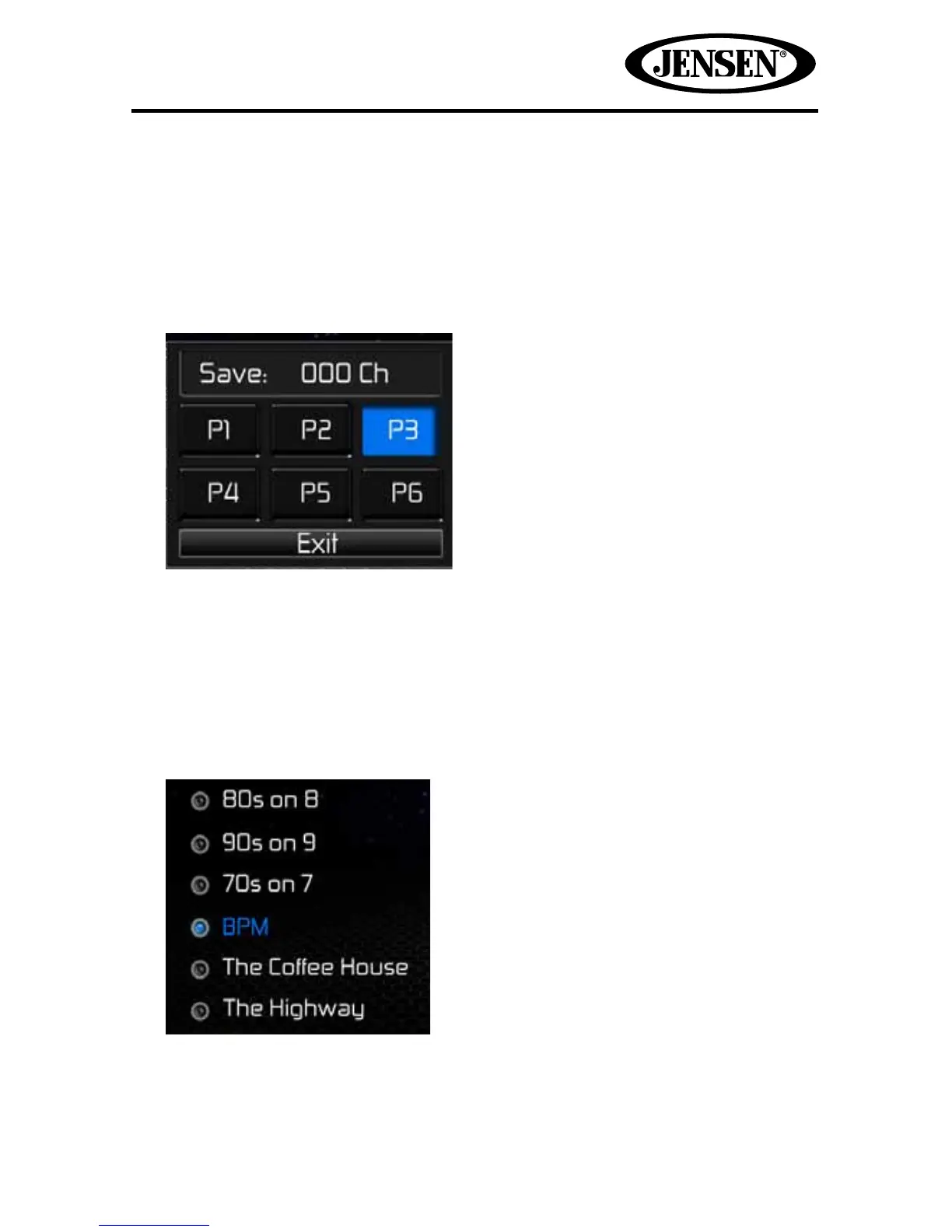
2. Touch the on-screen Mem icon to access the Preset Screen.
3. Touch the preset number (P1 through P6) in which you would like to store the
current channel (or touch Exit to cancel and close the menu). The channel is
displayed at the top of the menu. The preset number will appear highlighted.
The channel will be displayed on the front panel of the tuner screen.
Recalling a Channel
1. Select a band (if needed).
2. Touch an on-screen preset button to select the corresponding stored channel.















 To Next Page