Searching for a Channel
Search by Channel
To search by channel:
1. On the SirusXM® menu page 1, touch the Category/Channel icon (if needed)
to select Channel.
2.
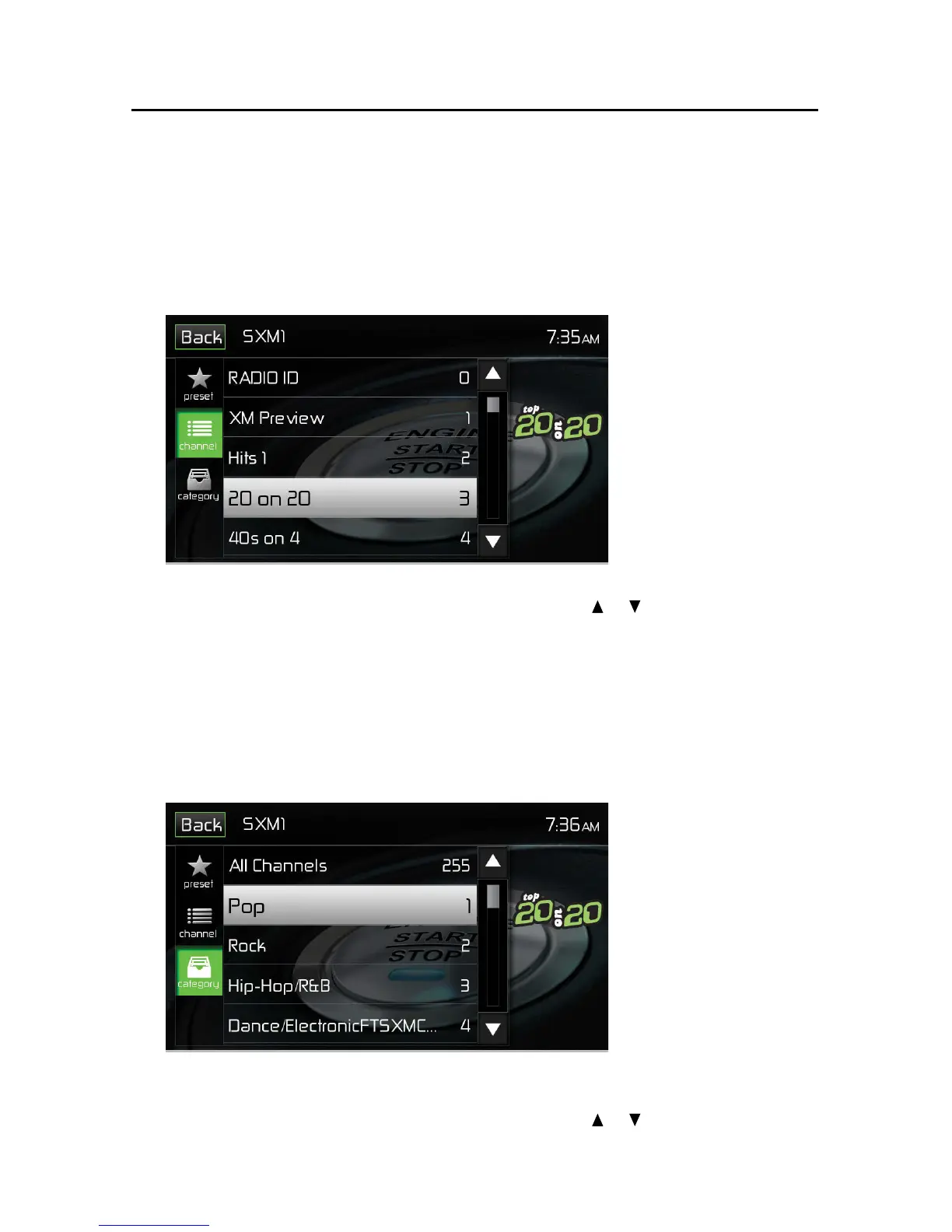
Touch List to display the Channel Search Screen:
Channel Search Screen
3.
Touch a channel to tune to that channel. Touch the or icon to scroll up or
down the list.
Search by Category
Categories group music by type such as jazz, rock, classical, etc. To search by
category:
1. On the SirusXM® menu page 1, touch the Category/Channel icon (if needed)
to select Category.
2. Touch List to display the Category Search Screen:
Category Search Screen
3. Touch a category item. A channel list screen appears.
4. Touch a channel to tune to that channel. Touch the or icon to scroll up or
down the list.



 To Next Page