14
QUICK START GUIDE
Turning the Unit ON or OFF
Press the front panel volume knob to turn the unit ON. Press and hold the volume
knob > 1 second to turn the unit OFF.
Selecting AM-FM Tuner, Disc, USB, Pandora, SXM, etc
To select a source:
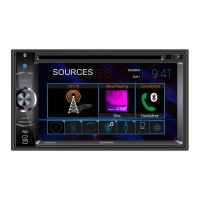
1. Press the front panel NAV / SRC button or touch the SRC icon to view the Main
Source Menu
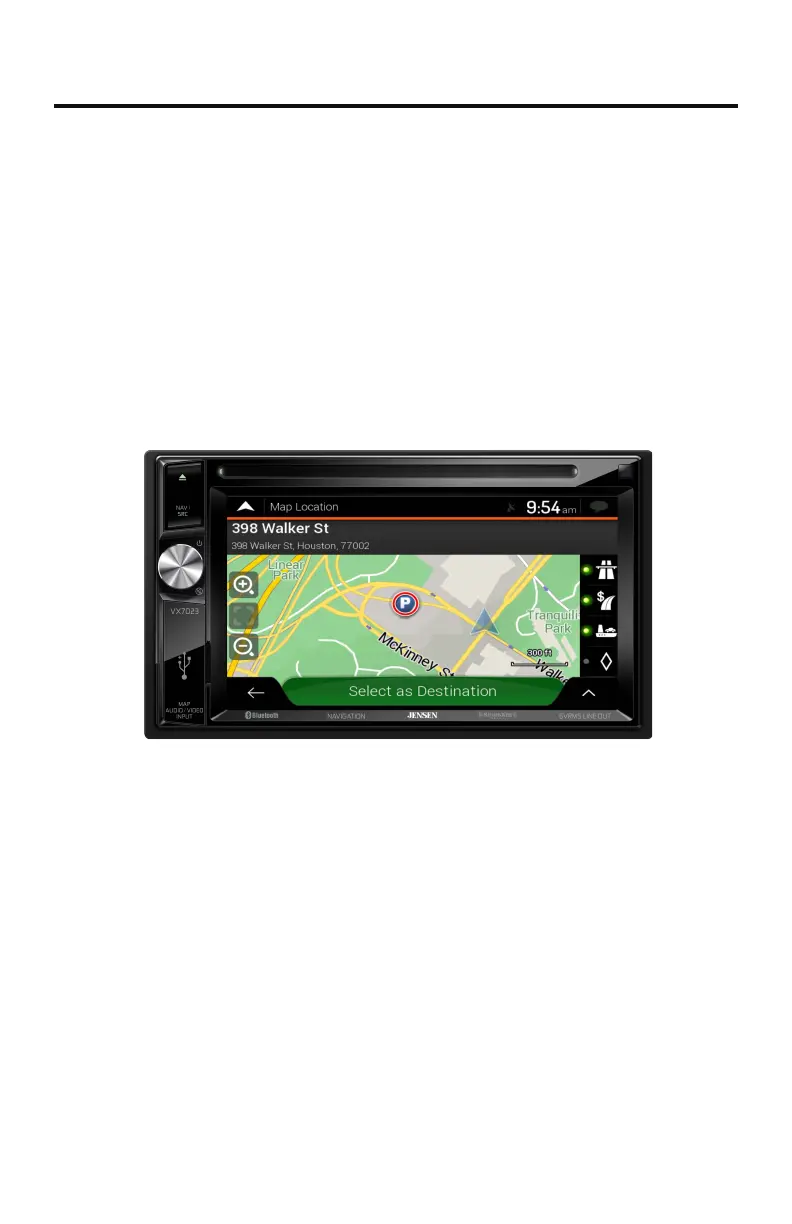
VX7023 Front Panel
2. Touch the desired source icon on one of the two main menu screens. Screen
1 of 2: Radio, Disc, USB, Navigation, Bluetooth, Pandora or SXM.
Touch Next at the bottom of the screen to access Screen 2 of 2: AV In 1, AV In
2, Camera or Settings.



 To Next Page