EasyManua.ls Logo

Jensen CDR5620 - User Manual

Jensen CDR5620
22 pages
Print Icon
To Next Page IconTo Next Page
Loading...
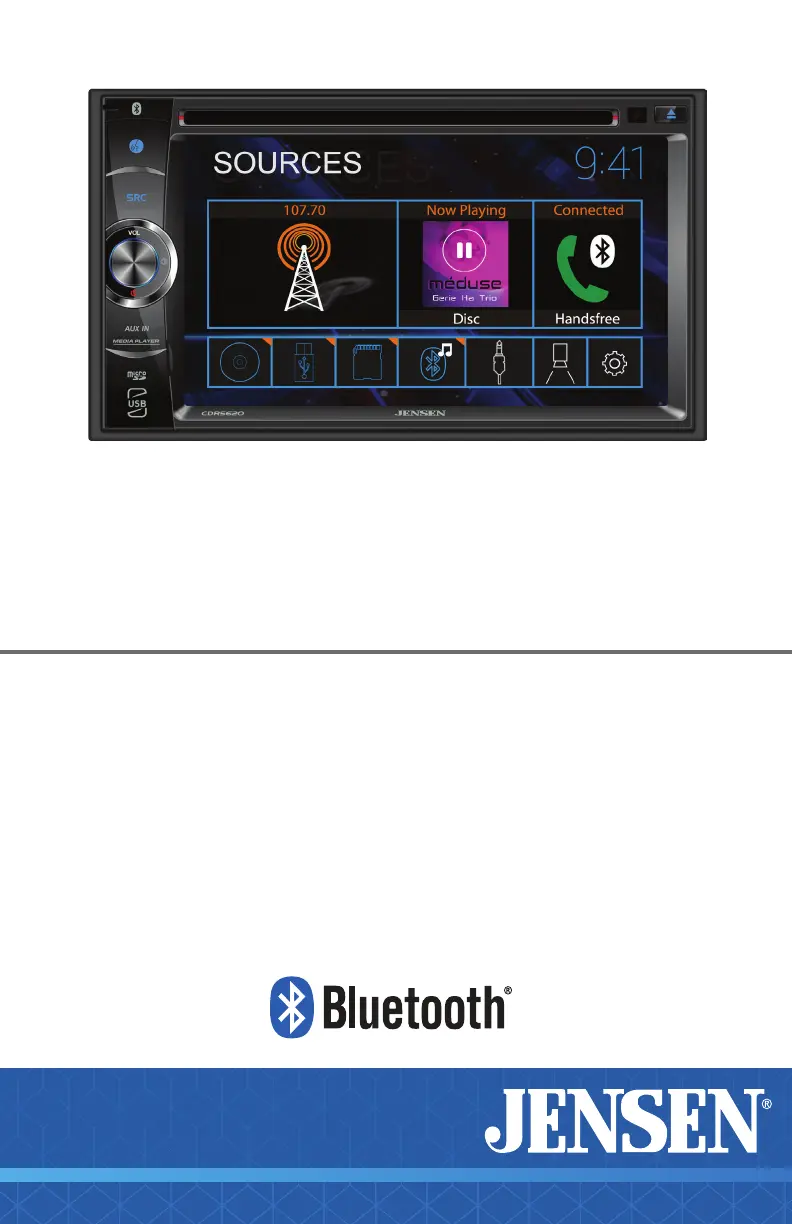
CDR5620
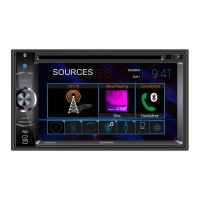
6.2” 2 DIN CAPACITIVE TOUCH SCREEN
MULTIMEDIA DVD RECEIVER
AM-FM-RDS
USB/microSD Multimedia Player
Front & Rear Camera Inputs
INSTALLATION &
OWNER’S MANUAL
W AT T S
Front & Rear
Camera

Questions and Answers

  • D
    dennis07Aug 4, 2025
    How to fix a Jensen CDR5620 that will not turn on?
    • C
      Christopher HansonAug 4, 2025
      If your Jensen Car Video System won't turn on, it could be due to a few reasons. First, check that the red and yellow wires are properly connected and receiving the correct voltage (11~16VDC). Also, ensure the black wire is connected to ground. Finally, inspect the fuse on the unit and in your vehicle; if blown, replace it with a new one.
  • M
    mcooperAug 11, 2025
    What to do if my Jensen CDR5620 Car Video System has power but no sound?
    • S
      Samantha CollinsAug 11, 2025
      If your Jensen Car Video System has power but no sound, start by checking all speaker wire connections, including the speakers themselves. If the connections are fine, the speakers might be blown and need replacing. Also, ensure that all bare speaker wires are insulated from each other and the chassis ground to prevent short circuits.
  • M
    miguel33Aug 19, 2025
    Why does my Jensen Car Video System keep blowing fuses?
    • C
      cody28Aug 19, 2025
      If your Jensen Car Video System keeps blowing fuses, it could be due to a short circuit. Check the yellow and red wires to make sure they are not touching the chassis ground. Also, inspect the speaker wires to ensure they are not touching the chassis ground. Look for any pinched or shorted wires. Finally, verify that you are using a fuse with the correct rating for your unit.
  • R
    richard69Aug 27, 2025
    What to do if my Jensen Car Video System has audio but no video?
    • J
      Jacob NixonAug 27, 2025
      If your Jensen Car Video System has audio but no video, check the connections at the parking brake and apply the parking brake as described in the manual. Also, the video playback codec might not be supported; refer to the Media Codec Support section for compatible formats.

Summary

JENSEN CDR5620 INFORMATION

Important Safety Notice

Critical safety warning regarding operation while driving and safe usage practices.

JENSEN CDR5620 INSTALLATION

Wiring Diagram and Camera Inputs

Details the input/output wiring and connection for front/rear cameras.

JENSEN CDR5620 OPERATION

First Time Setup Wizard Guide

Step-by-step guidance for initial system setup and configuration.

Bluetooth Handsfree Operation

Guides on pairing, connecting, and using Bluetooth for calls and audio.

Camera and Auxiliary Input Connections

Instructions for connecting rear/front cameras and auxiliary audio sources.

JENSEN CDR5620 OPTIONS

JENSEN CDR5620 WARRANTY

Warranty Coverage and Eligibility

Details what the warranty covers, who is eligible, and proof of purchase requirements.

JENSEN CDR5620 GENERAL

Troubleshooting Common Problems

Provides solutions for common problems related to power, sound, and video.

Jensen CDR5620 Specifications

General IconGeneral
BrandJensen
ModelCDR5620
CategoryCar Video System
LanguageEnglish

Related product manuals