50
iPod® / iPhone® Controls
Accessing iPod® Mode
The user can control an iPod®/iPhone® using the touch screen to access,
albums, songs, etc.
The unit will automatically switch to iPod® mode when an iPod®nano, iPod®
touch or iPhone® is plugged into the front panel USB connector. Also the iPod®
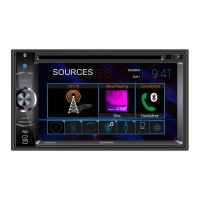
can be accessed from the Main Menu Screen by touching the iPod® icon (only
available when an iPod® or iPhone® is connected to the front panel USB
connector).
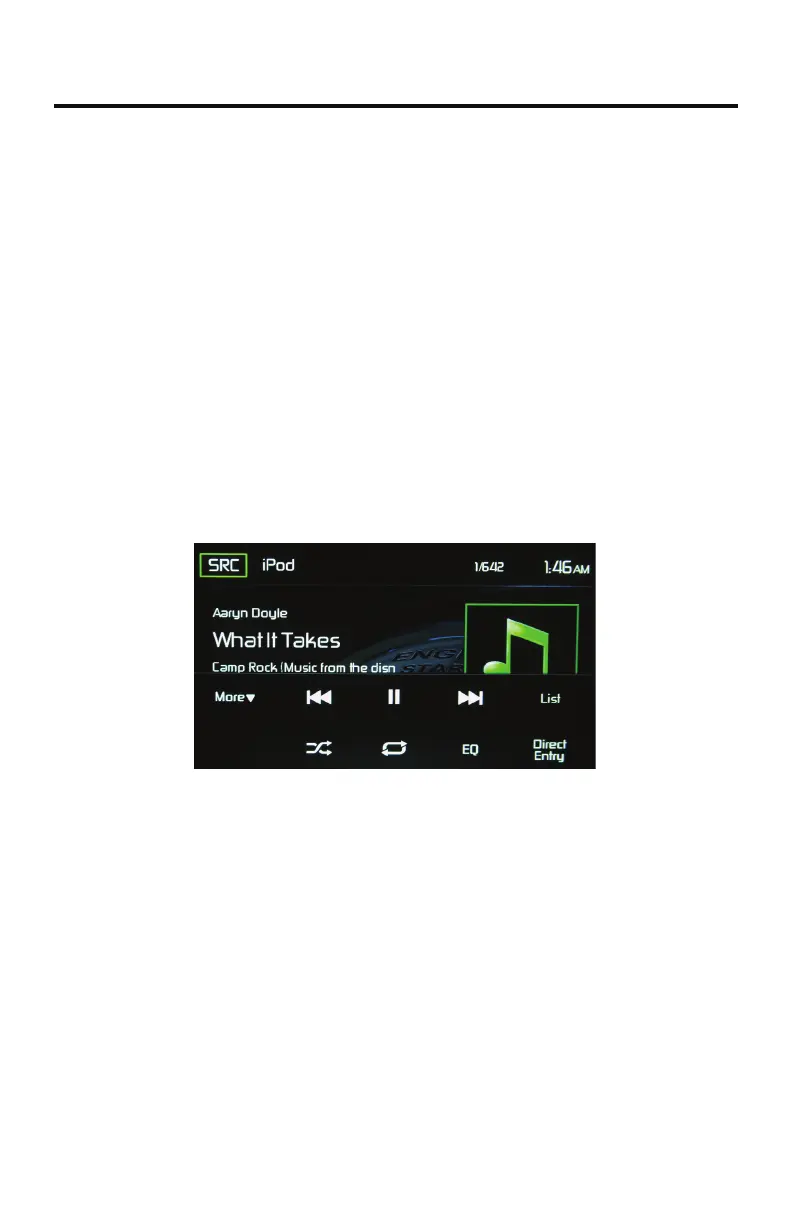
iPod® / iPhone® Main Menu
The on-screen icons and touch key areas are outlined below.
iPod®/iPhone® Main Menu
SRC Icon - Touch this icon to return to the Main Menu Screen.
iPod - Displays the current source.
Track Number - Lists the current audio track playing and the total number of
audio tracks in audio mode.
Time Display - This indicator displays the time as entered by the user in the
Settings Menu.
More ( / ) - Touch the / icons to display the next or previous page of the
iPod® menu.



 To Next Page