29
Port Forwarding – You can allow inbound packet for a specific port number by setting
up port forwarding rule. To set up Port Forwarding,
1. Turn ON Port Forwarding.
2. Press Add to create a line to set up a rule.
3. Enter the name of the rule you want to set up.
4. Enter WAN port number of allowed inbound forward packet.
5. Enter LAN IP address your connected device that is assigned by your mobile
hotspot.
6. Enter LAN port number of allowed inbound forward packet.
7. Select Protocol and Status ON/OFF: ON means the rule is in active. OFF means the
rule is not active.
8. Press OK to complete set up, then press Save Changes.
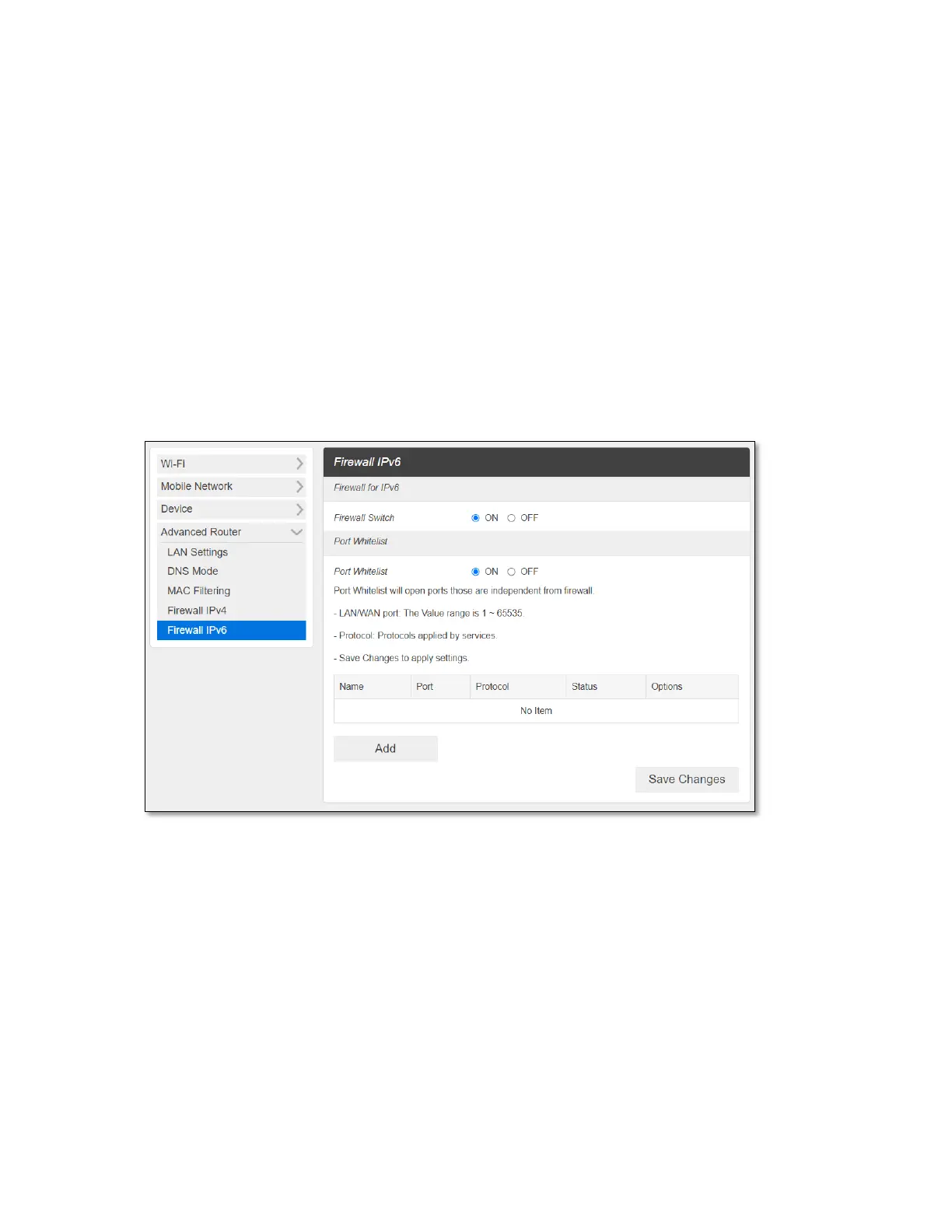
- Firewall IPv6
Firewall Switch – To set up Port Whitelist, turn Firewall Switch ON. If Firewall Switch is
OFF, Port Whitelist settings is not active. By default, the Firewall Switch for IPv6 is ON to
restrict inbound forward packet from outside.
Port Whitelist – You can allow inbound forward packet of specific port number by
setting up Port Whitelist. To set up Port Whitelist,
1. Turn ON Port Whitelist.
2. Press Add to create a line to set up a rule.
3. Enter the name of the rule you want to create.
4. Enter the port number you want to allow inbound forward packet.
5. Select Protocol and Status ON/OFF: ON means the rule is in active. OFF means the
rule is not active.
6. Press OK to complete set up, then press Save Changes.



 To Next Page