- 18 -
4.2.3
4.2.3
4.2.3
4.2.3 Language
Language
Language
Language Selection
Selection
Selection
Selection
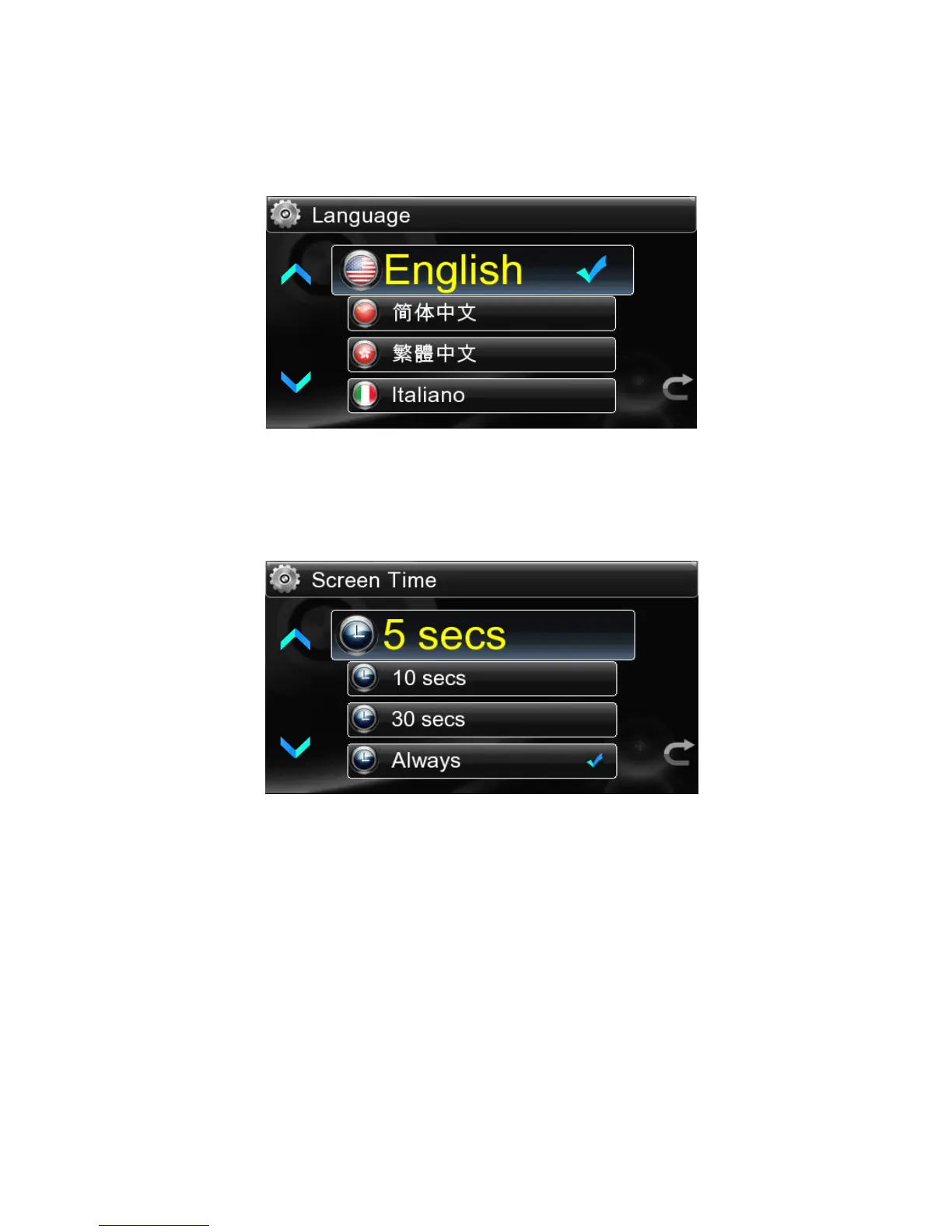
English, simplified Chinese,traditional Chinese,Italy , German and Japanese . are
optional for different countries and regions.
4.2.4
4.2.4
4.2.4
4.2.4 Screen
Screen
Screen
Screen Time
Time
Time
Time
The Screen Time is the time to adjust the LCD brightness:5,10,30 seconds and
Always light are optional.
4.2.5
4.2.5
4.2.5
4.2.5 Firmware
Firmware
Firmware
Firmware Update
Update
Update
Update
The system can get updated through Firmware Update.You just need to save the
update firmware in USB flash disk and then insert the USB flash disk into USB
HOST port.Then select “ Update ” by touch or pressing the remote control to start
updating.Do not pull out the USB flash disk during the updating until the screen
displays “ The update is done ” .The update is completed before the system
automatically
restart
ing
.
4.2.6
4.2.6
4.2.6
4.2.6 Touch
Touch
Touch
Touch Screen
Screen
Screen
Screen Calibration
Calibration
Calibration
Calibration
To
ensure the touch screen sensitive,please select “ Calibrate ” prior to initial use or
when the wrong touch sensitive is found out .The screen will display one “ + ” in the



 To Next Page