- 11 -
5.
5.
5.
5. My
My
My
My Favorite
Favorite
Favorite
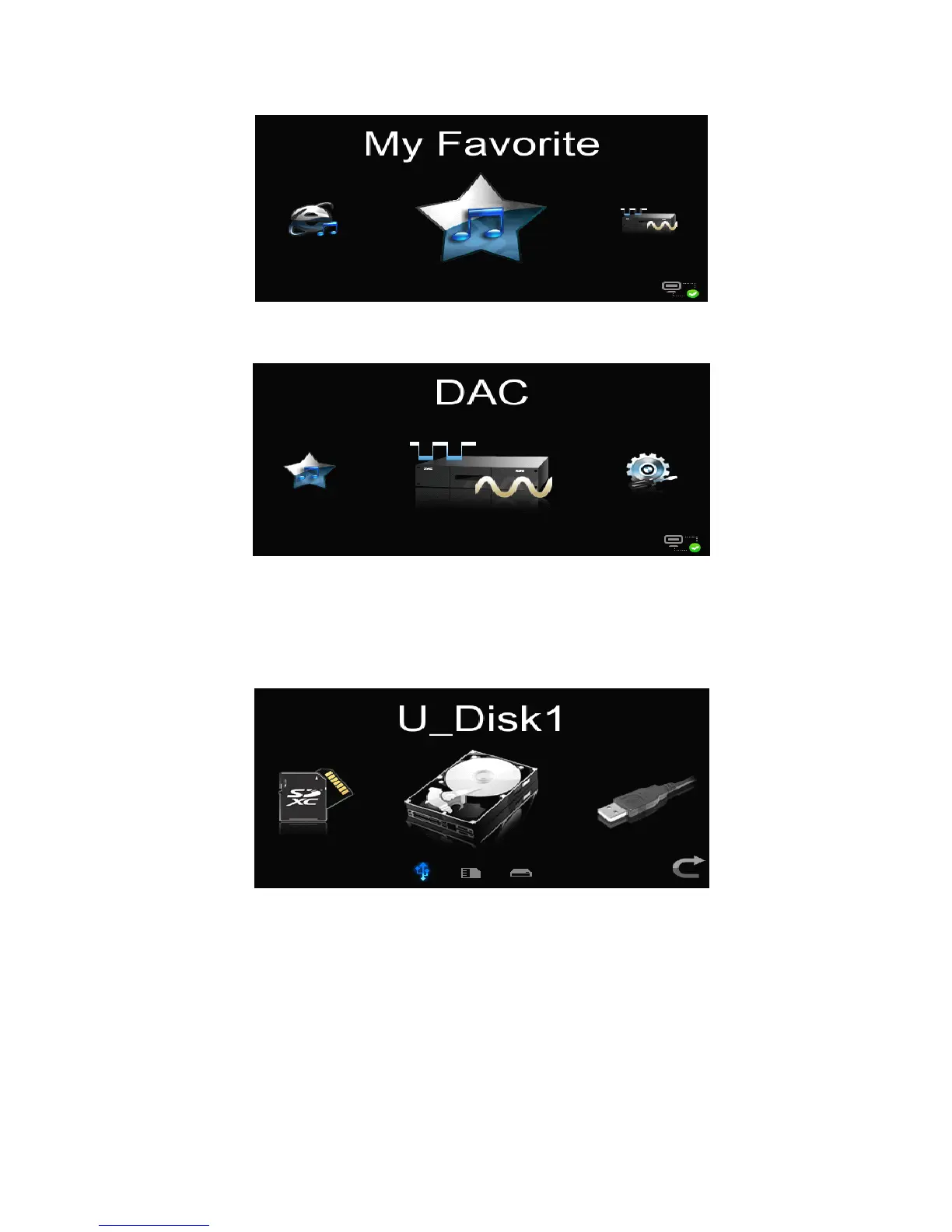
Favorite : Enter the Favorite to select the collected song or internet radio 。
6.
6.
6.
6. DAC:
DAC:
DAC:
DAC: Enter the DAC status to receive the digital audio from outside input by
optical fiber,coaxial cable or balance line.
3.3.2
3.3.2
3.3.2
3.3.2 【
【
【
【 Submenu
Submenu
Submenu
Submenu 】
】
】
】
Enter the option menu of
USB
storage devices
by
touching
the
“
Local
Local
Local
Local
Source
Source
Source
Source
”
icon,which
includes
the below
functions to:
1) U-Disk 1 : Enter the file list of the USB storage device (USB flash disk or mobile
HDD).
2) U-Disk 2: At the same time inserted 2 storage device using.
3) SD Card : Enter the file list in SD card(without SD card connector in this player).
3.3.3
3.3.3
3.3.3
3.3.3 【
【
【
【 Player
Player
Player
Player Interface
Interface
Interface
Interface 】
】
】
】
When any stored file or any internet radio is playing,the following interfaces will be
available.



 To Next Page