- 17 -
● In the case that the “ DHCP ” is turned “ On ” but it is unable to connect to the
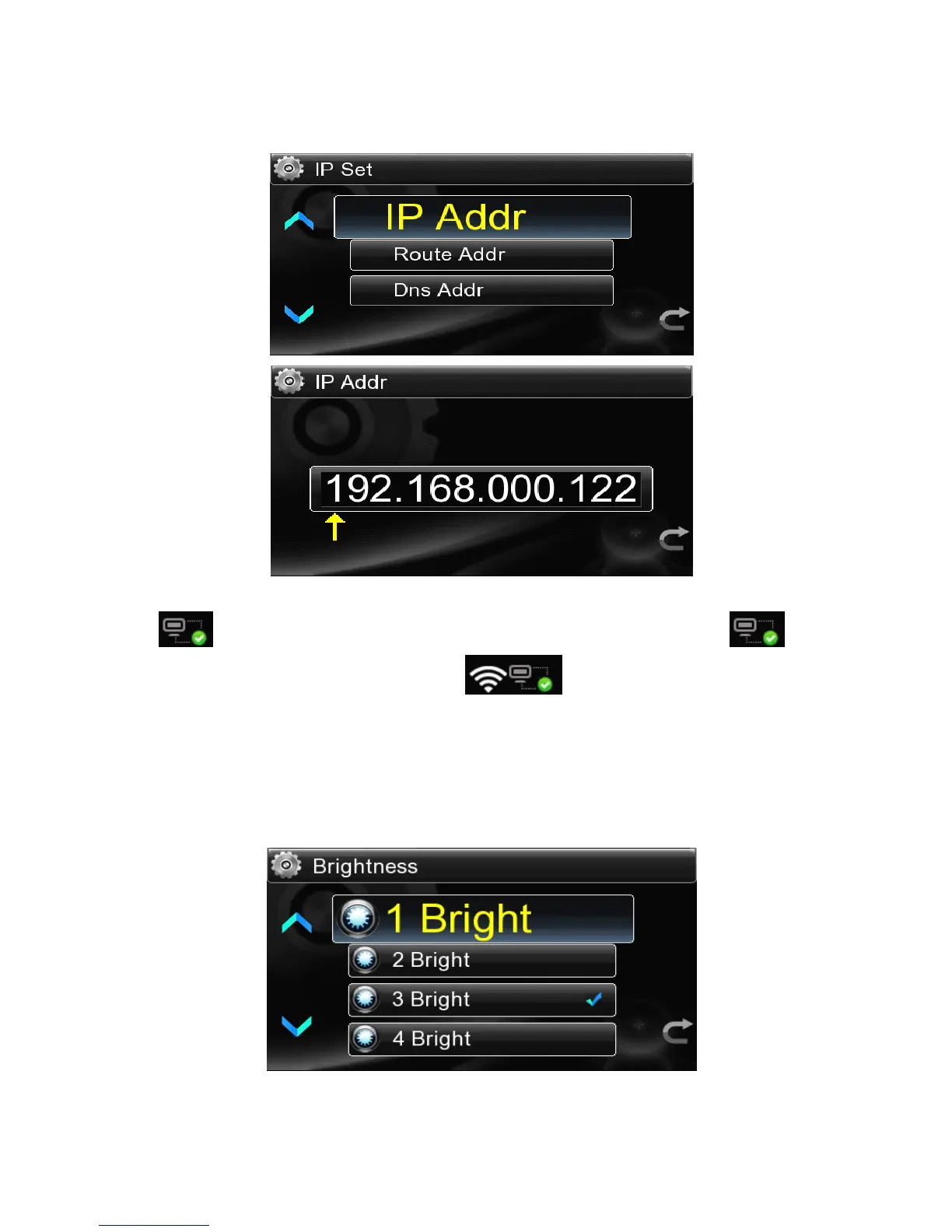
network,it is helpful for network connection to set IP address manually .
● .After setting up the internet,go back to the main interface,it will display icon
in the lower right corner of the screen. If choose lan,the icon is , if
choose wireless the icon will like this . It means the network has a
smooth connection and can be used.
4.2.2
4.2.2
4.2.2
4.2.2 Backlight
Backlight
Backlight
Backlight Brightness
Brightness
Brightness
Brightness
There are 4 levels of LCD brightness and select the suitable level by touch or by the
remote control.



 To Next Page