- 19 -
calibration interface and touch the middle of it,the “ + ” will jump to another corner
and then one after another corner and finally get back to the center.
4.2.7
4.2.7
4.2.7
4.2.7 About
About
About
About
l
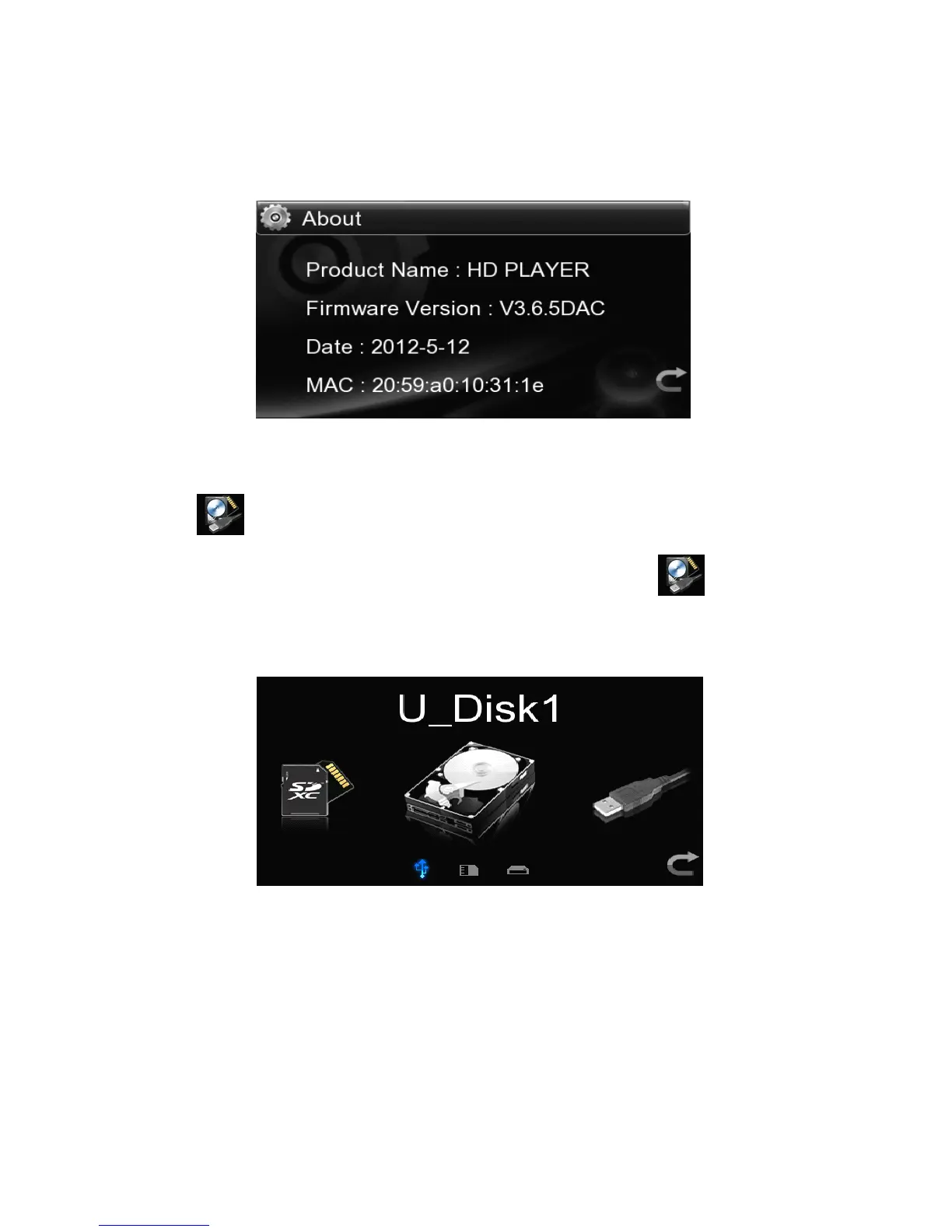
Select the item to see the product
’
s firmware version,date and network MAC
address.
4.3
4.3
4.3
4.3 Play
Play
Play
Play The
The
The
The Files
Files
Files
Files In
In
In
In Local
Local
Local
Local Source
Source
Source
Source
4.
4.
4.
4. 3
3
3
3 .
.
.
. 1
1
1
1 Play
Play
Play
Play The
The
The
The File
File
File
File In
In
In
In USB
USB
USB
USB Falsh
Falsh
Falsh
Falsh Disk
Disk
Disk
Disk
Connect the USB storage device,touch the “ Local S ource ” icon in the main
interface in a direct way to locate such an icon in the center and then touch this icon
again or press the “ Ok ” key of the remote control to enter the option menu of
external USB flash disk or USB mobile HDD.
l
Touch the icon of USB disk located in the center or press the “ Ok ” key of the remote
control to enter into the partition list of the USB disk .When one partition is
selected , will enter into the file list of this partition .If the storage device has no
partition such as USB flash disk will directly enter into the file list.



 To Next Page