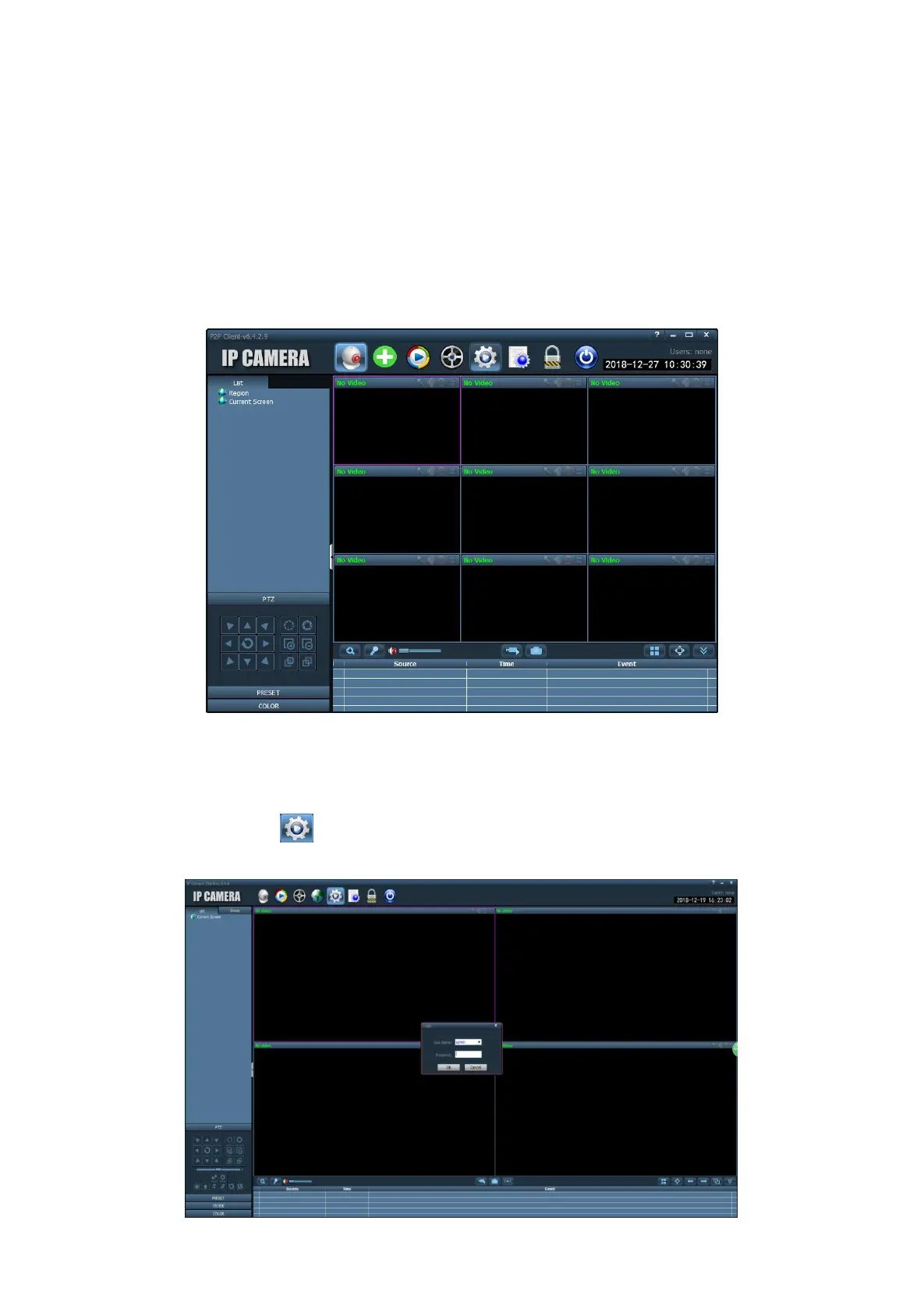
7. Video Management Software (P2P Client)
Using Video Management software to view multiple cameras at the same time
7.1 Software installation
Download from the website ( http://www.gentlen168.com/security-camera/info/898.html ) or Mini CD in the
Package. Install it on your computer.
7.2 Add Camera
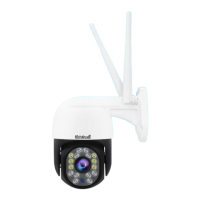
A) Open the software, click , to login system, default password: leave it blank.


 To Next Page