The Speaker and Release Lamp
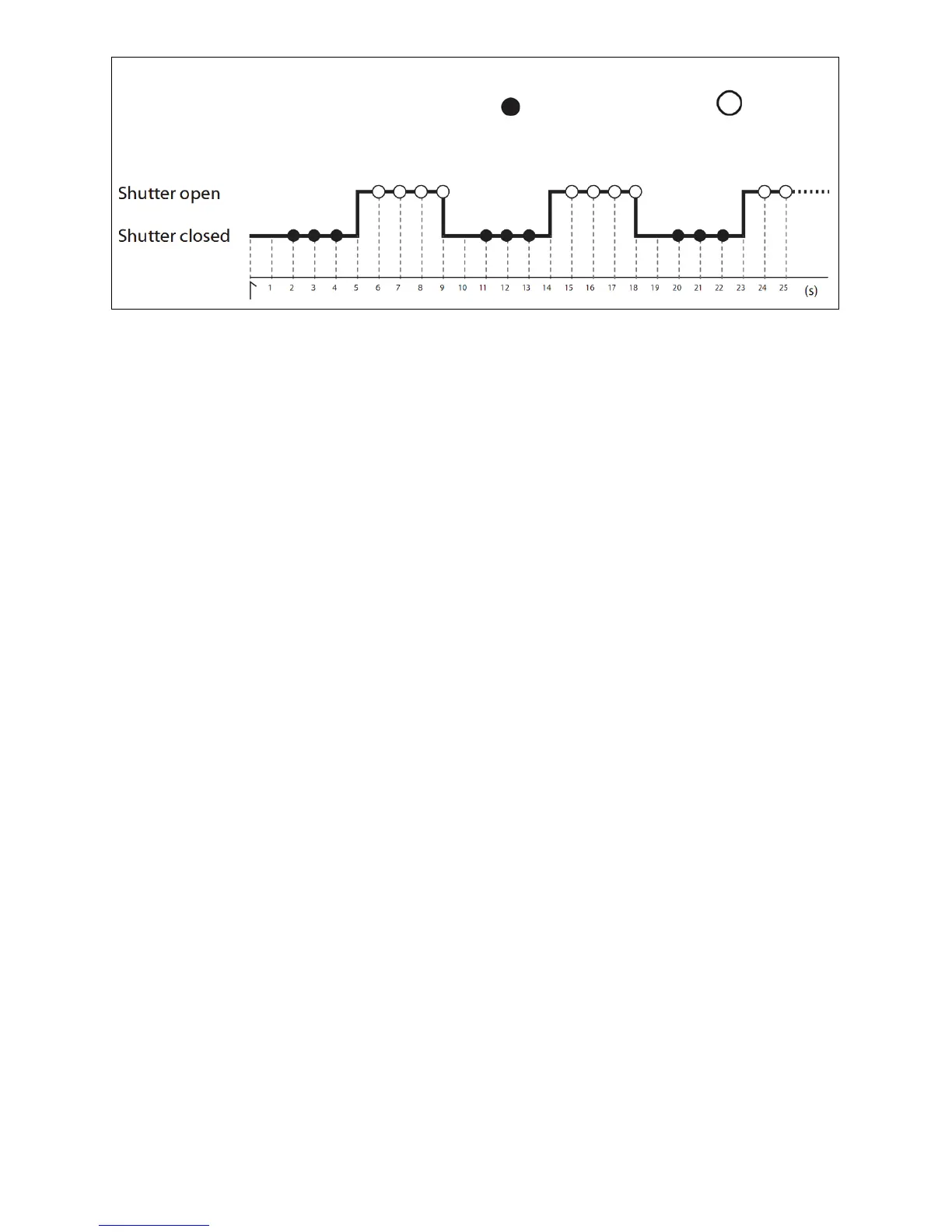
The following illustration shows when a beep will sound (
) and the release lamp flash ( ) with a delay
of 5s, and exposure time of 4, and an interval of 9s.
End Shooting
Shooting will end automatically when the selected number of shots has been taken. To end shooting
before all photographs have been taken, press the START/STOP button of the Transmitter.
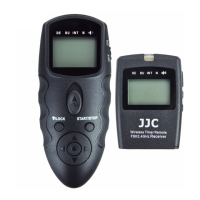
Wireless remote control manual function description
1. Turn OFF the WT-868TX and WT-868RX. Remove the remote socket cover from the camera.
2. Connect the WT-868RX to the camera and turn the camera ON.
3. Turn ON the WT-868TX and WT-868RX.
4. Half press the shutter release button of the WT-868TX, the transmitter will send signal for focusing to
the receiver. The green indicator light will lit on the transmitter and receiver, and the camera is in the
focusing state until the release or full-press the button.
5. Full-press the shutter release button and transmitter will send signal of shooting. The red indicator
light will lit on the transmitter and receiver. The camera will release the shutter.
Attention:Lock the shutter release button manually is not usable for wireless remote control manual
function.
Background Light
Press the Channel Increase or Reduce button of WT-868RX to turn on background light of the control
panel.


 To Next Page