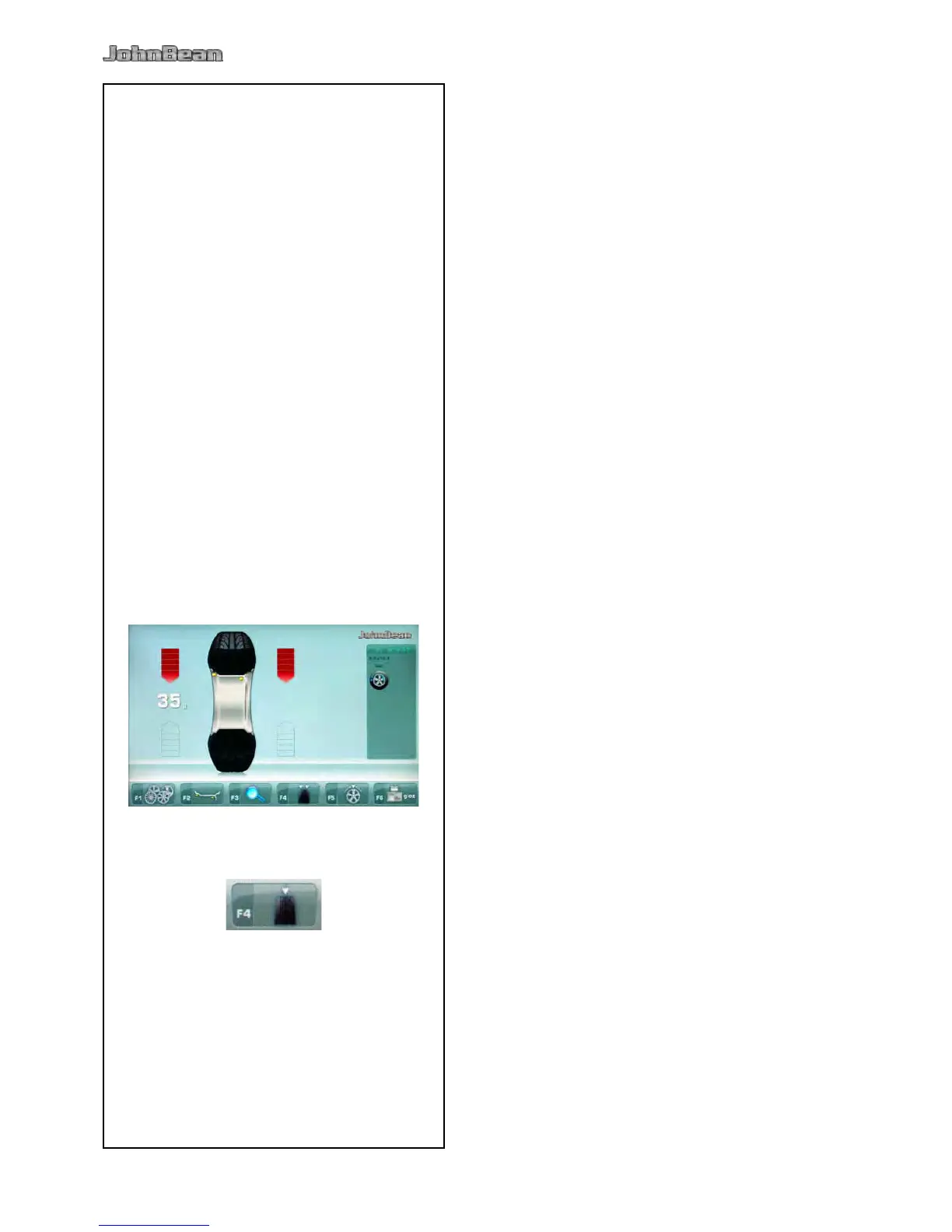
The unit always has a weight mode automatically
selected, refer to the display.
The weight mode currently selected is shown by the
illuminated indicator(s).
NORMAL
Used for steel rims.
ALU mode
Used for light alloy rims or where one or more stick-
on weights are to be used.
The stick-on weight(s) must be applied by hand.
Used for light alloy rims or for wheels that are
difcult to balance.
The stick-on weight(s) must be applied with the
gauge arm. This guarantees more accurate weight
positioning compared to applying the stick-on
weight(s) by hand.
Note: If the stick-on weight must be hidden
behind two spokes, select the Split Weight
Mode before applying the weight in the
right plane ( 5.9).
STATIC
(Figure 5-4)
Retrieve the function with key F4 (Fig. 4-12).
Used for small wheels that are not balanced
dynamically, e.g.: small moped wheels.
No “left” or “right” weight is calculated.
Mount the wheel according to paragraph 5.1 and
select the corrected reading positions of the gauge
head ( 5.4).



 To Next Page