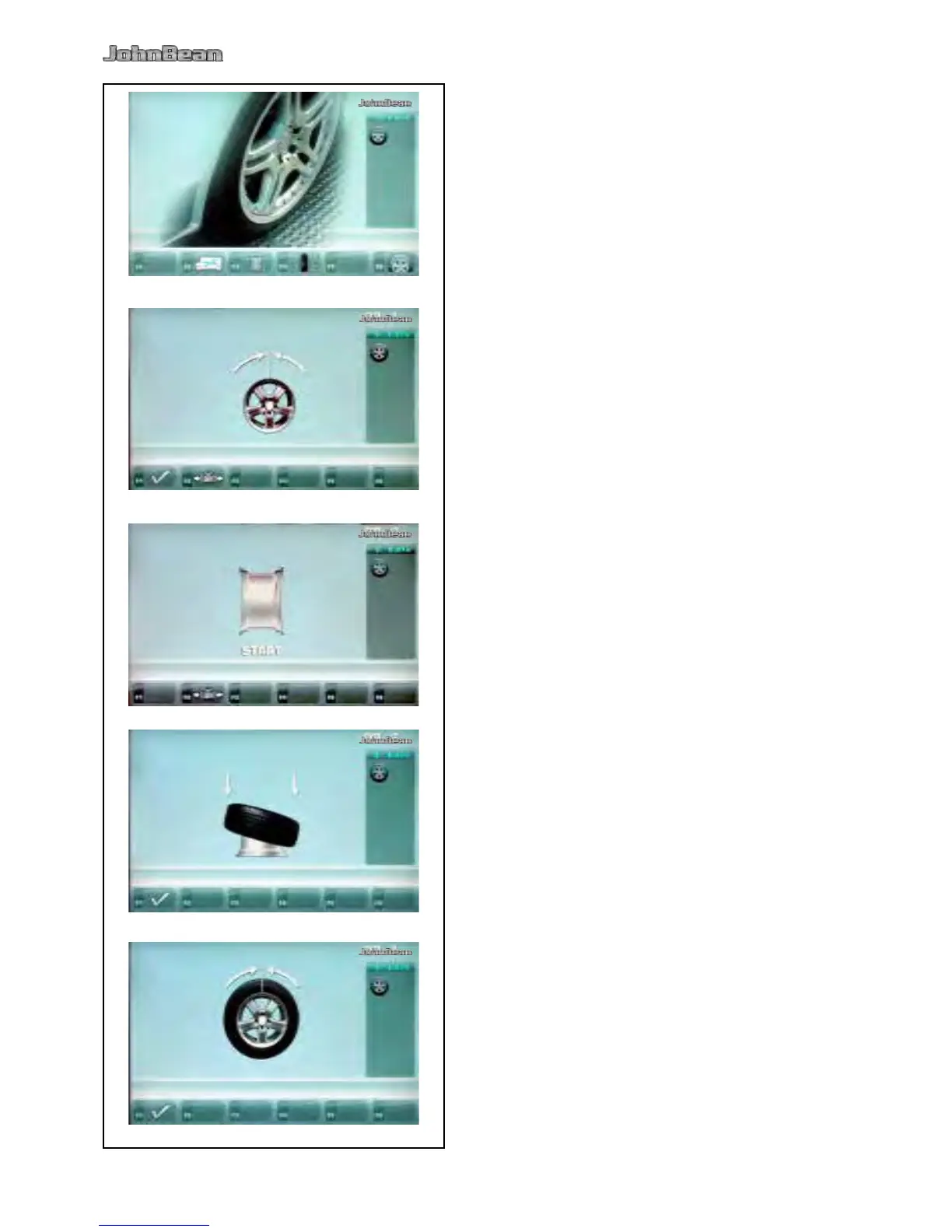
5.10.4 Start Optimization
Clamp the rim only on the balancer.
Enter correct rim dimensions, or check existing
inputs for correctness.
Starting from the main menu, press the menu
key F6 for the Optimization menu (Fig. 5-33).
The Optimization MENU “OP.1” screen (Fig. 5-34) is
displayed.
Fig. 5-34 Optimization “OP.1”
(Compensation run of rim only)
Readjust the wheel such that the valve is exactly
perpendicular to and above the main shaft.
Enter the valve position by pressing menu key
F1.
The Optimization 1 screen (Fig. 5-37) is displayed.
Fig. 5-37 Optimization “OP.2”
START is signalled on the screen.
Press the START key.
A compensation run is performed.
The screen “OP.3” as shown in Fig. 5-38 is displayed.
Fig. 5-38 Optimization “OP.3”
Mount the tire correctly on the rim and inate
to specied ination pressure (make sure the
mounting guide rim of the tire is correctly seated).
Conrm by pressing menu key F1.
The Optimization “OP.4” screen (Fig. 5-39) is displayed.



 To Next Page