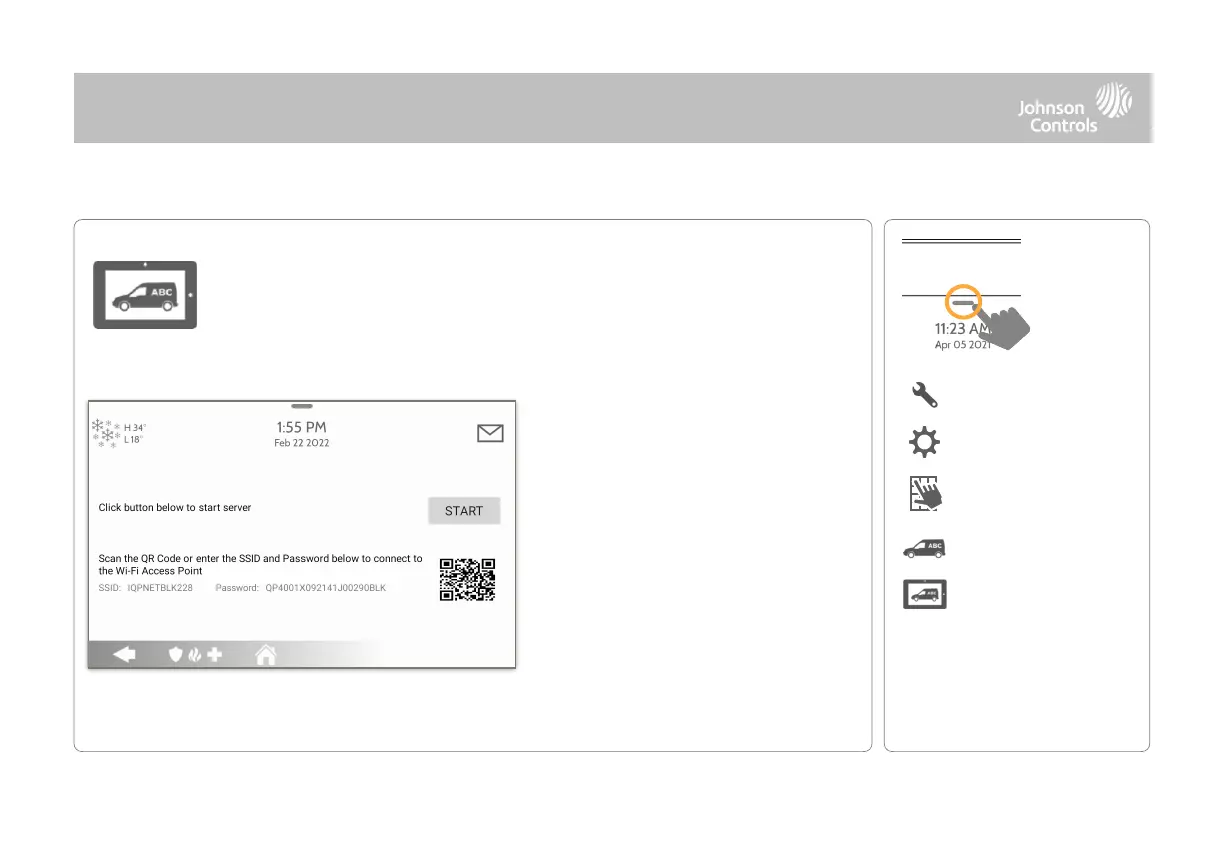
1- Scan the QR Code with your phone
camera or manually connect to the
Panel AP with the SSID and Password
shown on the screen.
2- Press “Start” to begin the local
server session, then from your device
scan the second QR code or navigate
to the “https” site shown on the Panel
screen.
3- Follow the prompts on your device
screen to select the correct files and
transfer them to the Panel.
On-Screen Branding
Load a Custom Logo, Dealer Billboard images or add/replace Help Videos
via the Panel Access Point. Dealer Billboard (photo frame) images cannot be
deleted by an end user.



 To Next Page