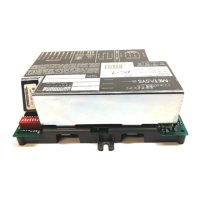
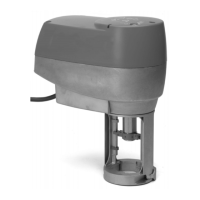
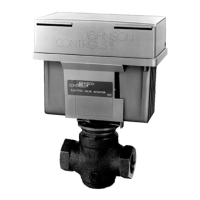
LN Application Specific, Remote I/O, and Free Programmable Controllers Installation Instructions
8
Note: For wire length less than 75 feet (23 m), use either a shielded or unshielded 19 AWG wire.
Note: For a wire up to 200 feet (61 m), we recommend a shielded 18 AWG wire.
Note: The wire should be shielded on the controller/module side, and the shield length should be kept as short as
possible.
Wiring Triac Outputs
Digital outputs are all made of triacs and voltage is no present on the output terminals; therefore, you need to add
an external power source, if necessary.
Note: You must add an external power source, typically 24 VAC.
If a 24 VAC relay is being controlled, connect the digital output according to Figure 12.
If a floating actuator is being controlled, connect the digital output according to Figure 13.
Wiring Universal Outputs (UOx)
Universal outputs can be configured to provide either a linear signal ranging from 0 to 12 VDC or a linear signal of
0 to 10 VDC. The discrete signal can be used to generate a PWM or a simple two-state signal. These outputs are
protected by an auto-reset fuse.
When controlling a relay with a universal output, a diode must be connected in parallel to protect the controller from
back-emf current that occurs when the relay is turned off.
LN-PRG203-2 53
LN-PRG300-2 8
LN-PRG400-2 12 X
LN-PRG410-2
12 X
LN-IO301-1 8
LN-IO401-1 12
LN-IO520-1
IMPORTANT: Before connecting any sensor to the device, refer to the installation guide of the equipment
manufacturer.
IMPORTANT: To measure the state of a digital output (triac), an external load must be connected.
Table 1: Controller Outputs (Part 2 of 2)
Controller Triac Outputs Universal Outputs Jumper 0-10 VDC/4-20 mA
Figure 12: Digital Triac Output – Relay
Figure 13: Digital Triac Output – Floating


 To Next Page
 Loading...