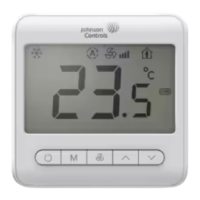
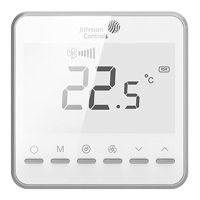
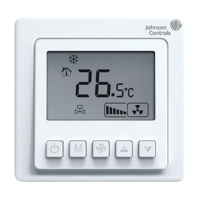
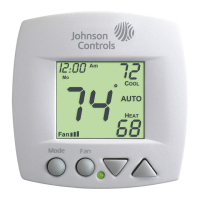
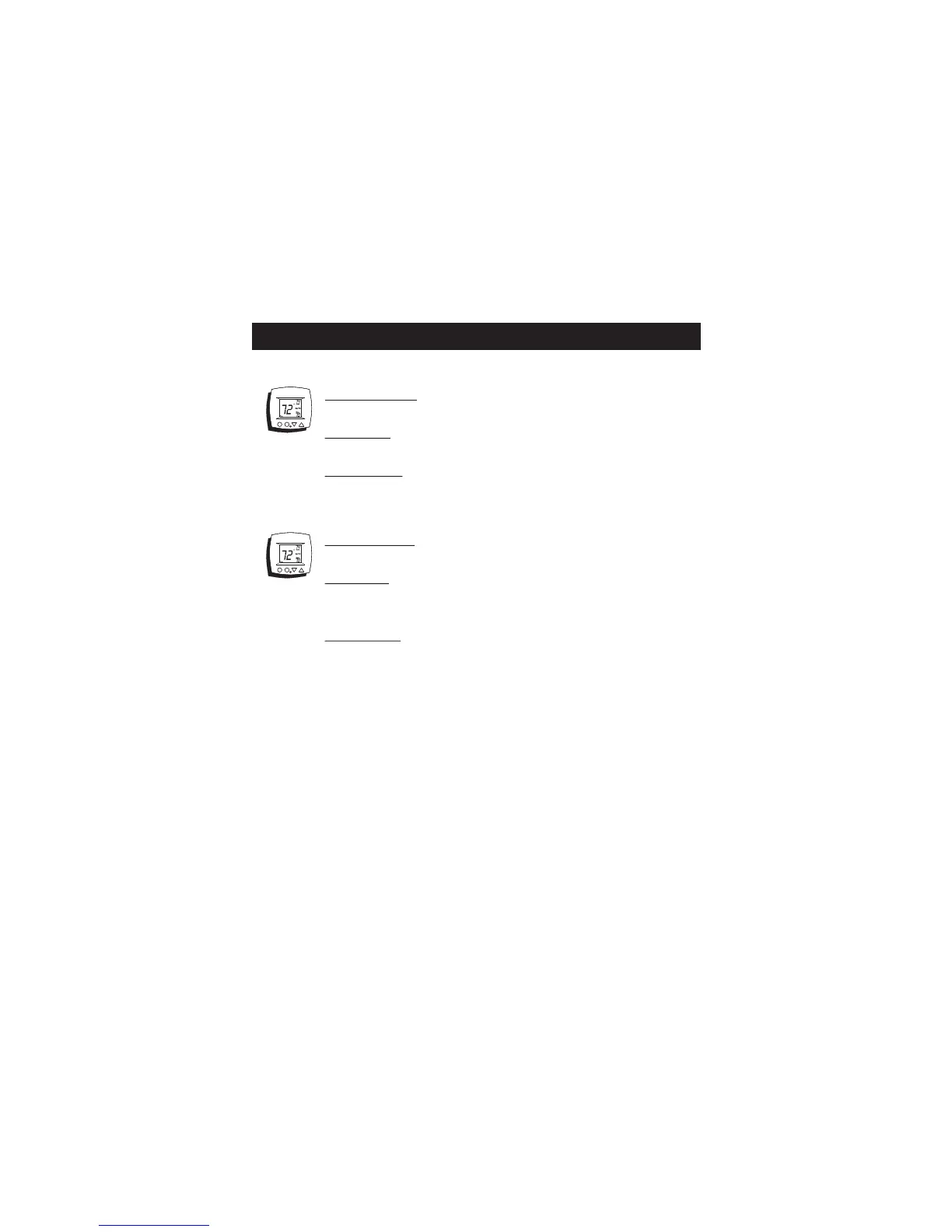
SYMPTOM: The thermostat displays large set-
point digits instead of the room temperature.
CAUSE: The thermostat has been programmed
to display Single Setpoint.
REMEDY: Program the thermostat to display
Dual Setpoint (step #2, page 10 of the Owner’s
Manual).
SYMPTOM: The thermostat display is stuck in
Unoccupied.
CAUSE: The sensor connected to the Dry Contact
terminals of the thermostat, is active, forcing the
unit into ‘Unoccupied.’
REMEDY: Verify proper wiring between the
thermostat and the occupancy sensor and verify
that the wiring is not shorted.
If no sensor is connected, program the Dry
Contact polarity for Normally Open (step #11,
page 13 of the Owner’s Manual).
TROUBLESHOOTING
Page 12


 To Next Page
 Loading...